
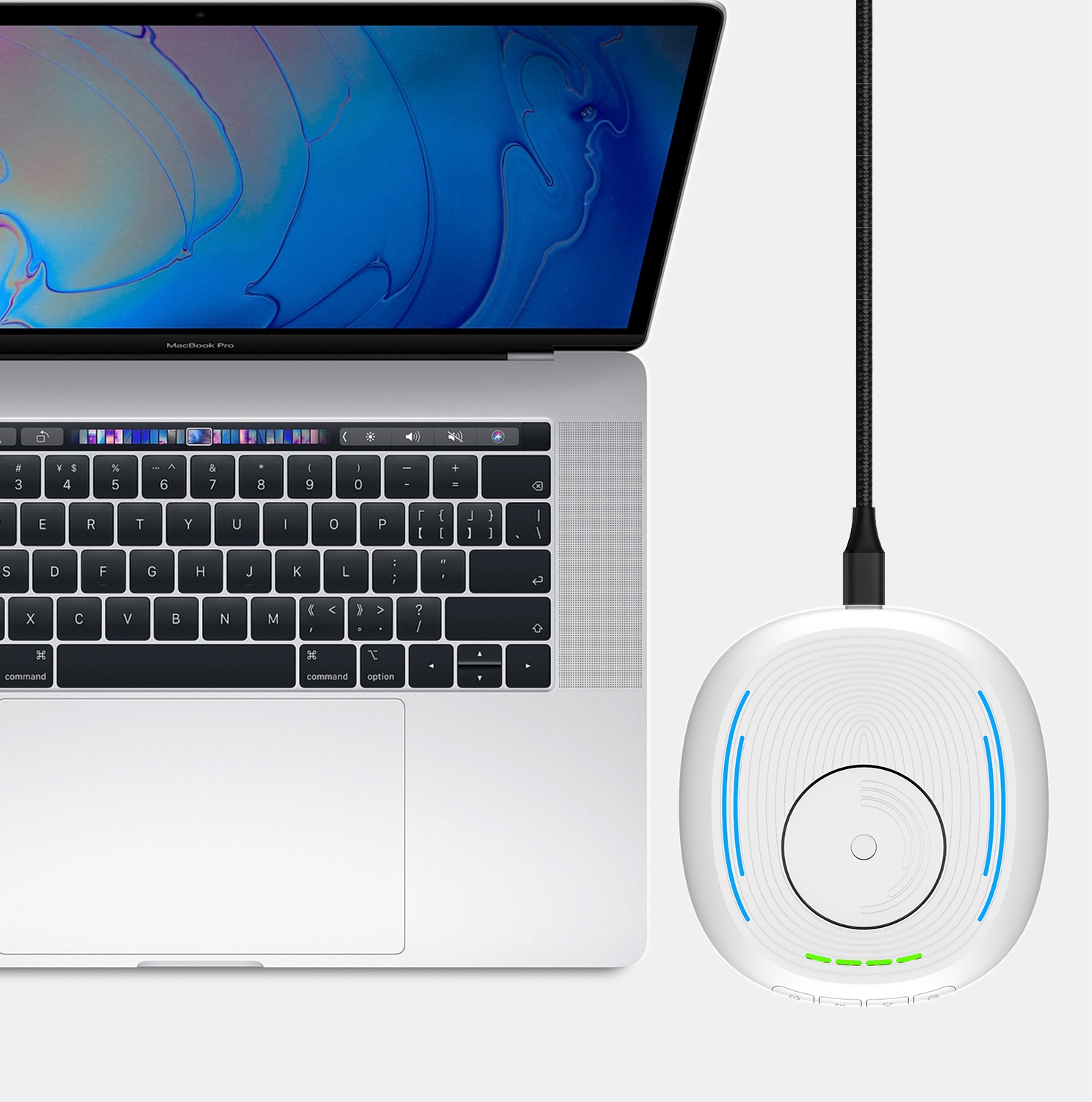
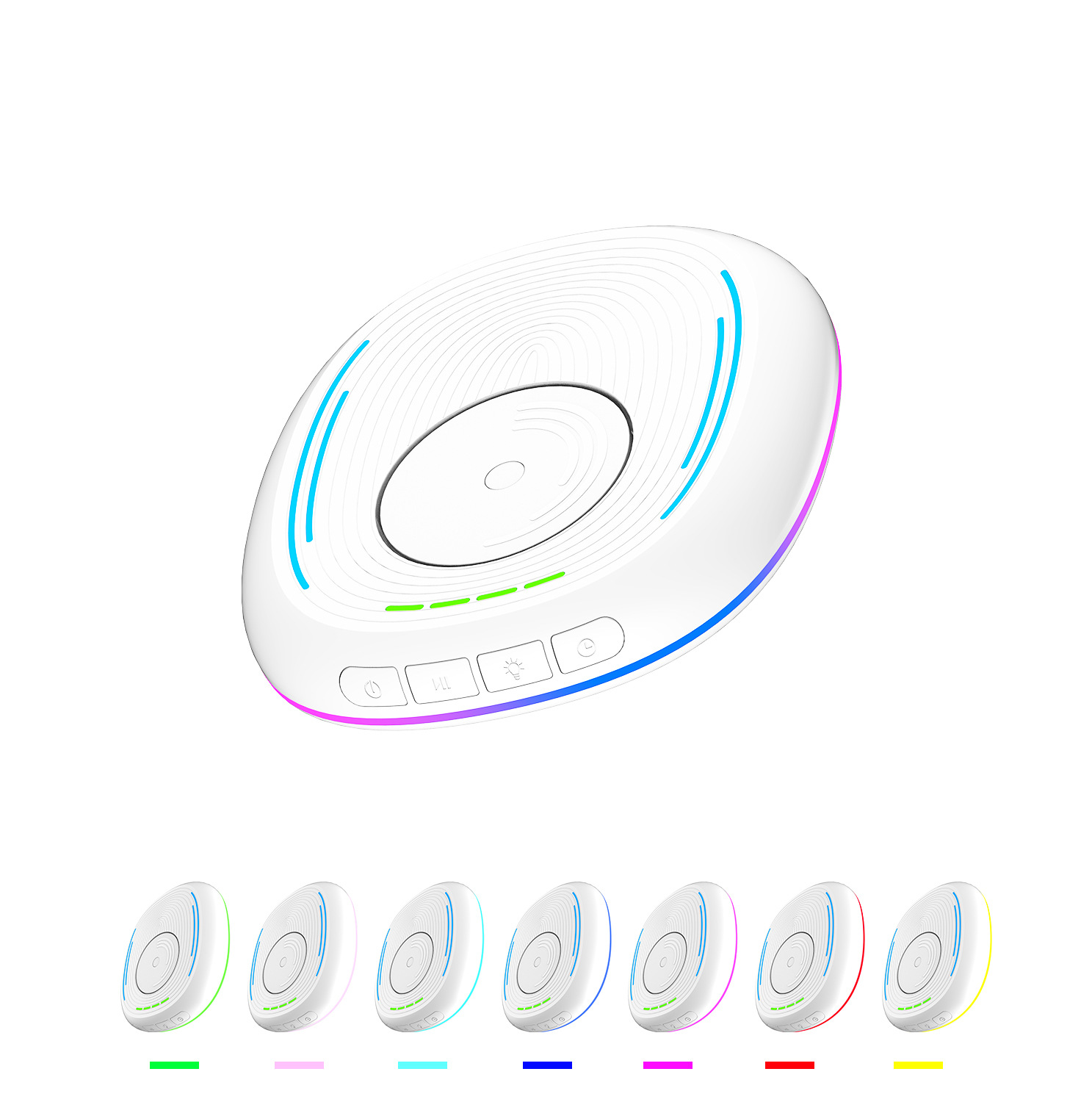

Full View
Similar items
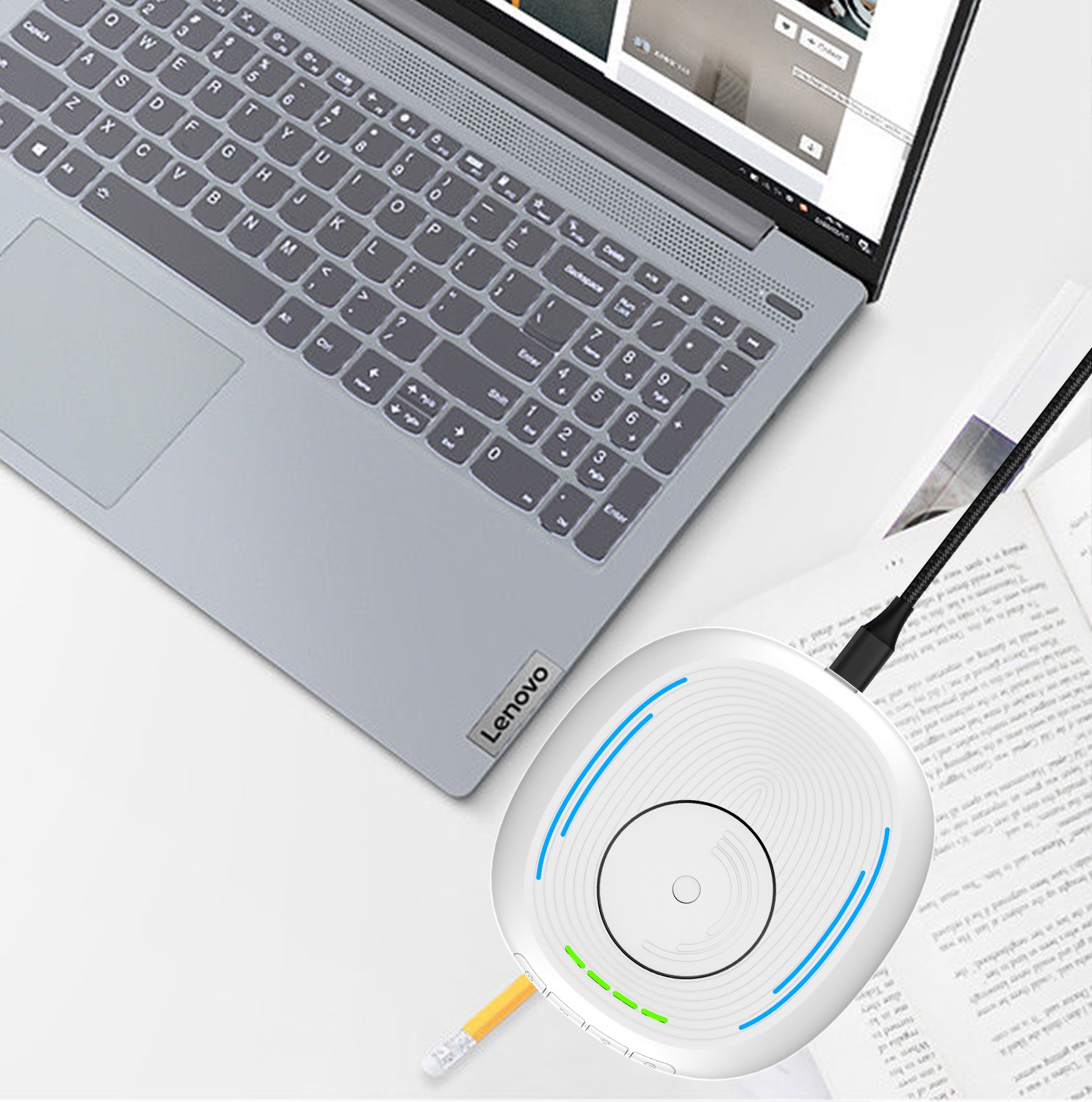
LED Light Anti-sleep Automatic Movement To Prevent Computer Lock Screen, Gaming Gadget, Mouse Mover
£26.55£41.56
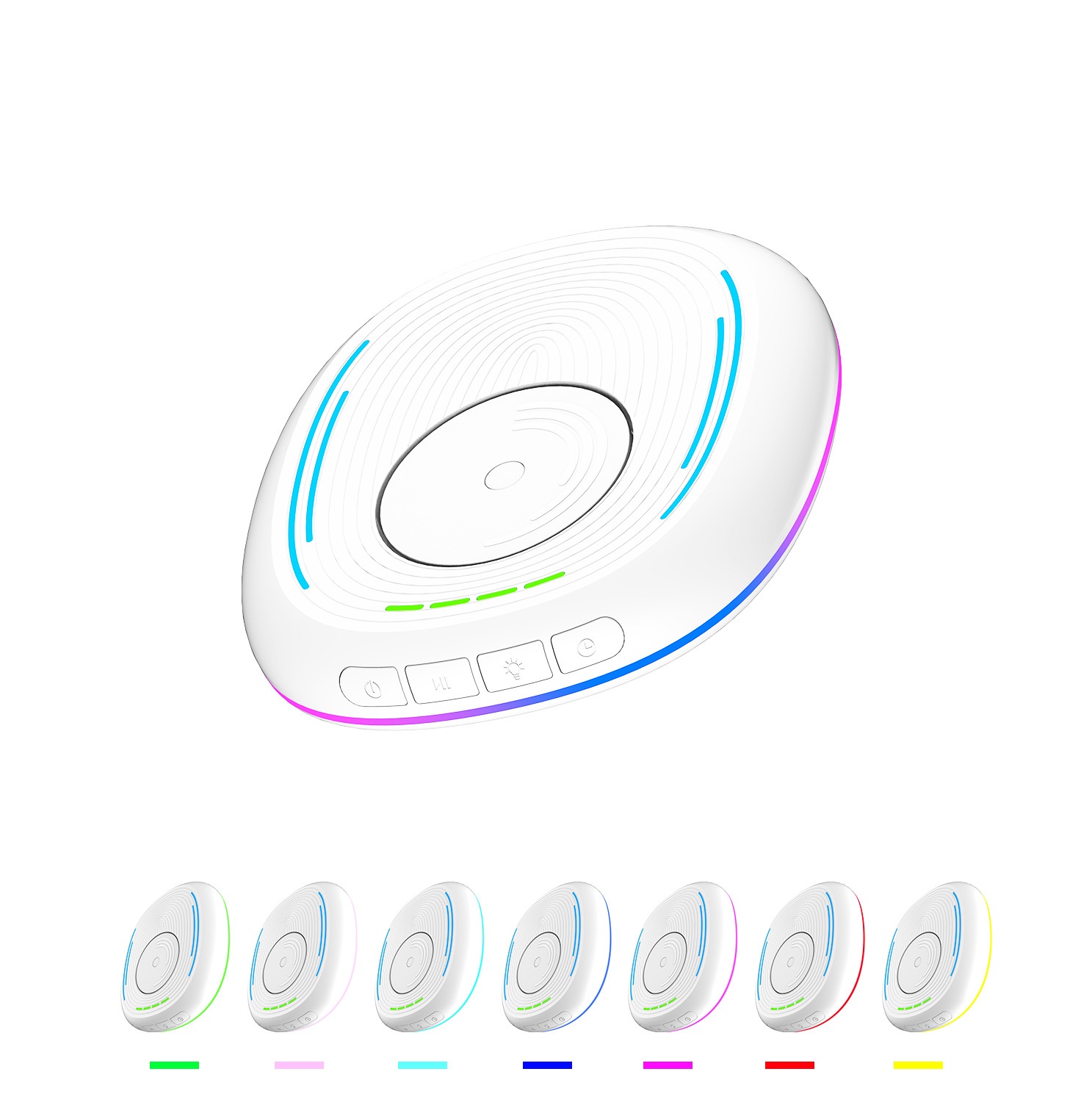
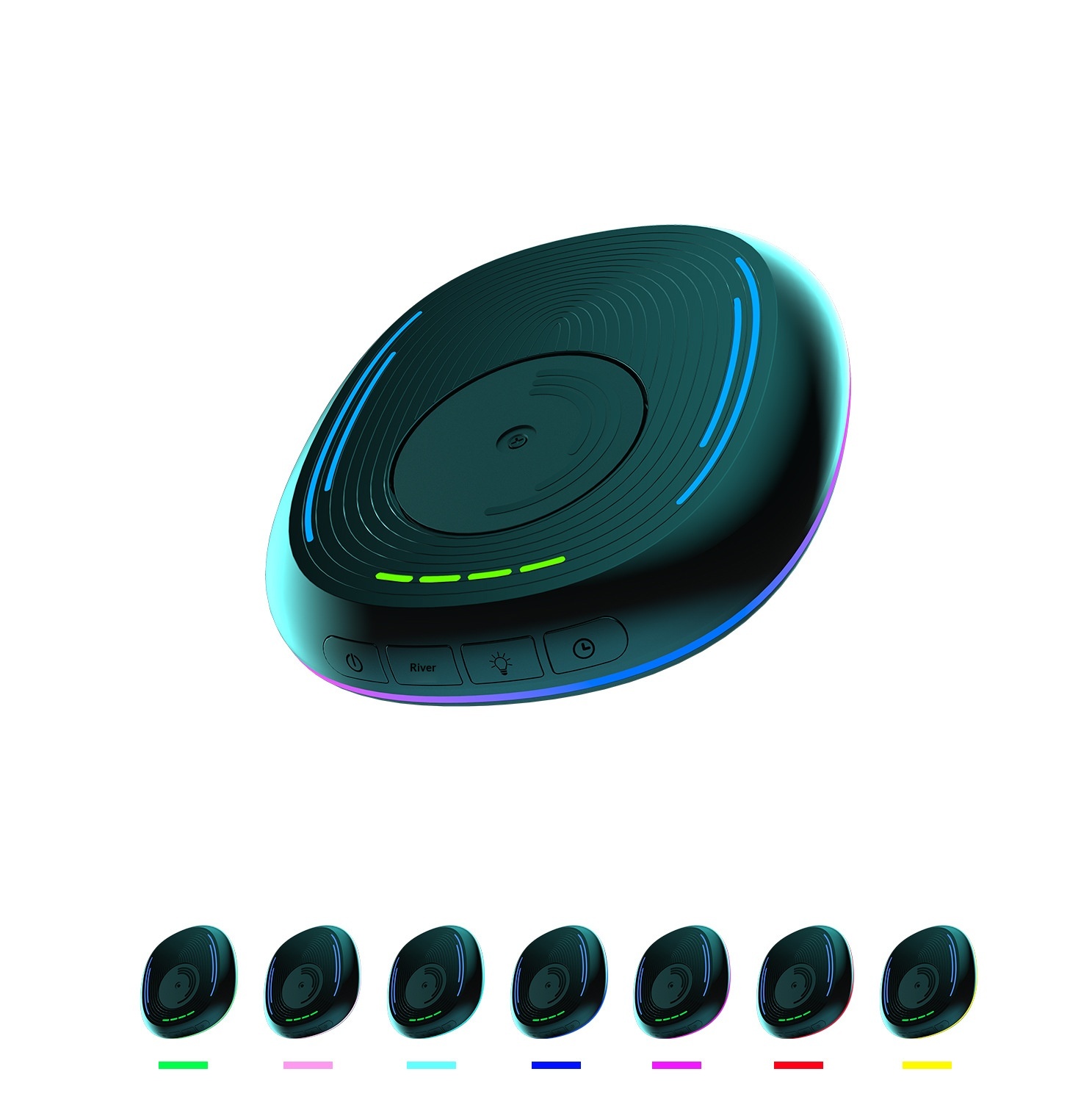
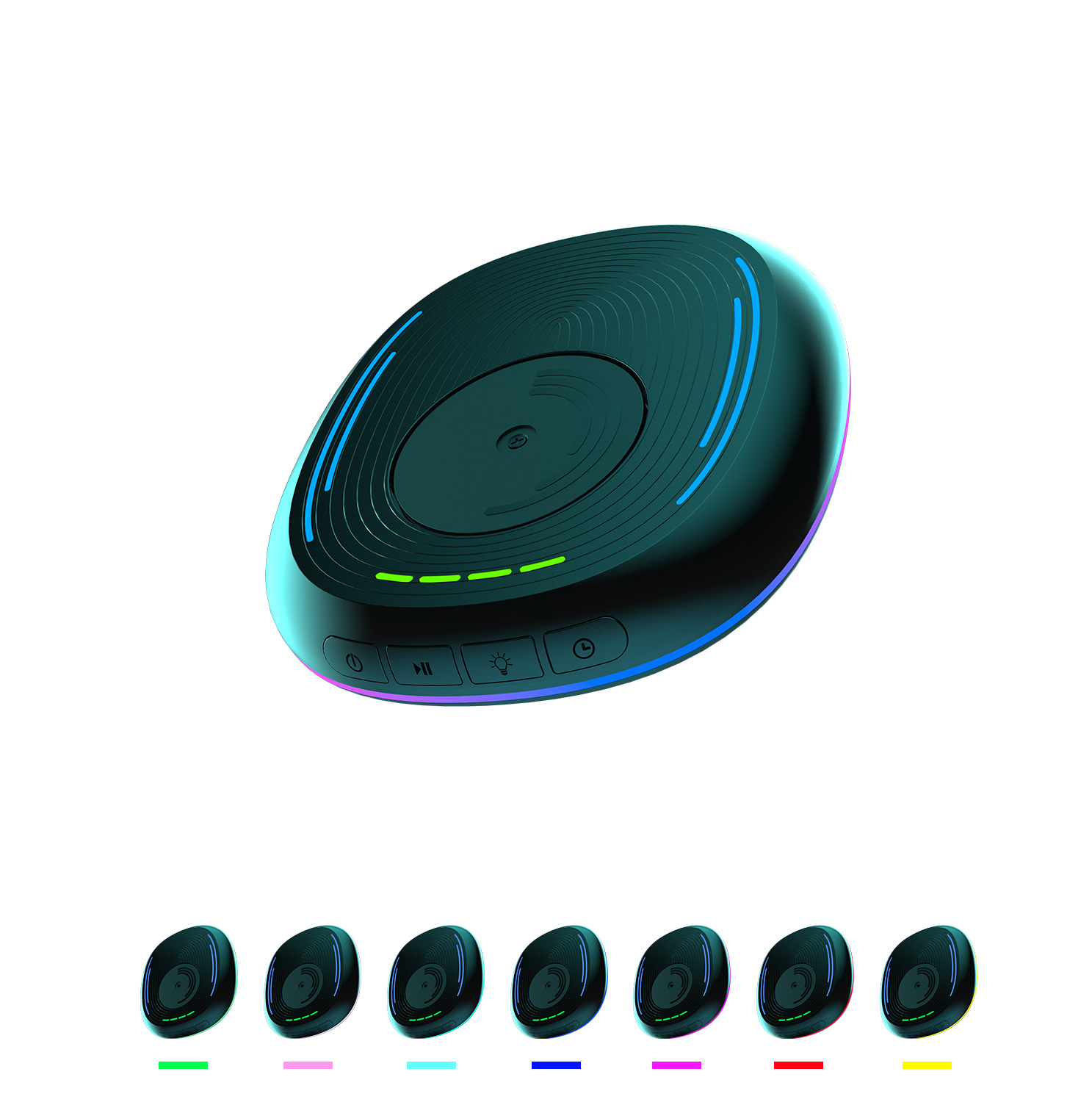
Color : White
Quantity :
 Customer Service
Report
Include copyright infringementFree Standard Shipping. See details
Estimated between Tue, Apr 21 and Mon, Apr 27
You can return the product within 30 days of receipt. See details
Shop with confidence

Money Back Guarantee
Get the item you ordered or your money back. Learn more
About this item
Sourced from DigitalHubShop
Seller assumes all responsibility for this listing.Item number: 35896931
Item specifics
Features
Other, Rgb, Mixed Light
Axis
Other, Optical Axis, Green Axis
Numeric Keypad
No, Yes
Connection
Other, Multimode, Wired
Size
100Mm-120Mm, 121Mm-130Mm, <100Mm
Item description from the seller
This product has been exclusively licensed to Amazon in the United States. Please do not list it on Amazon in the United States, otherwise complaints will not be withdrawn!
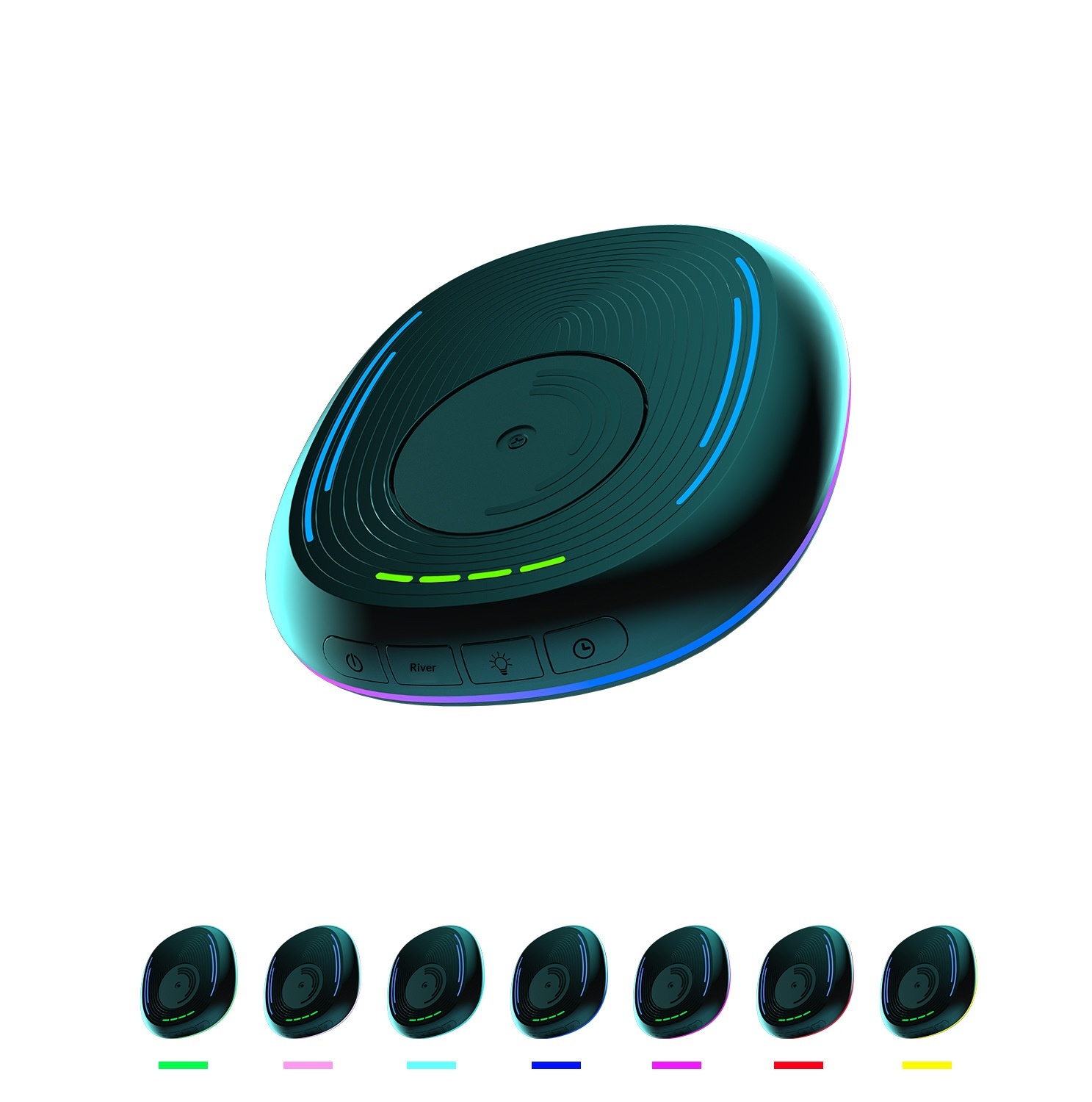
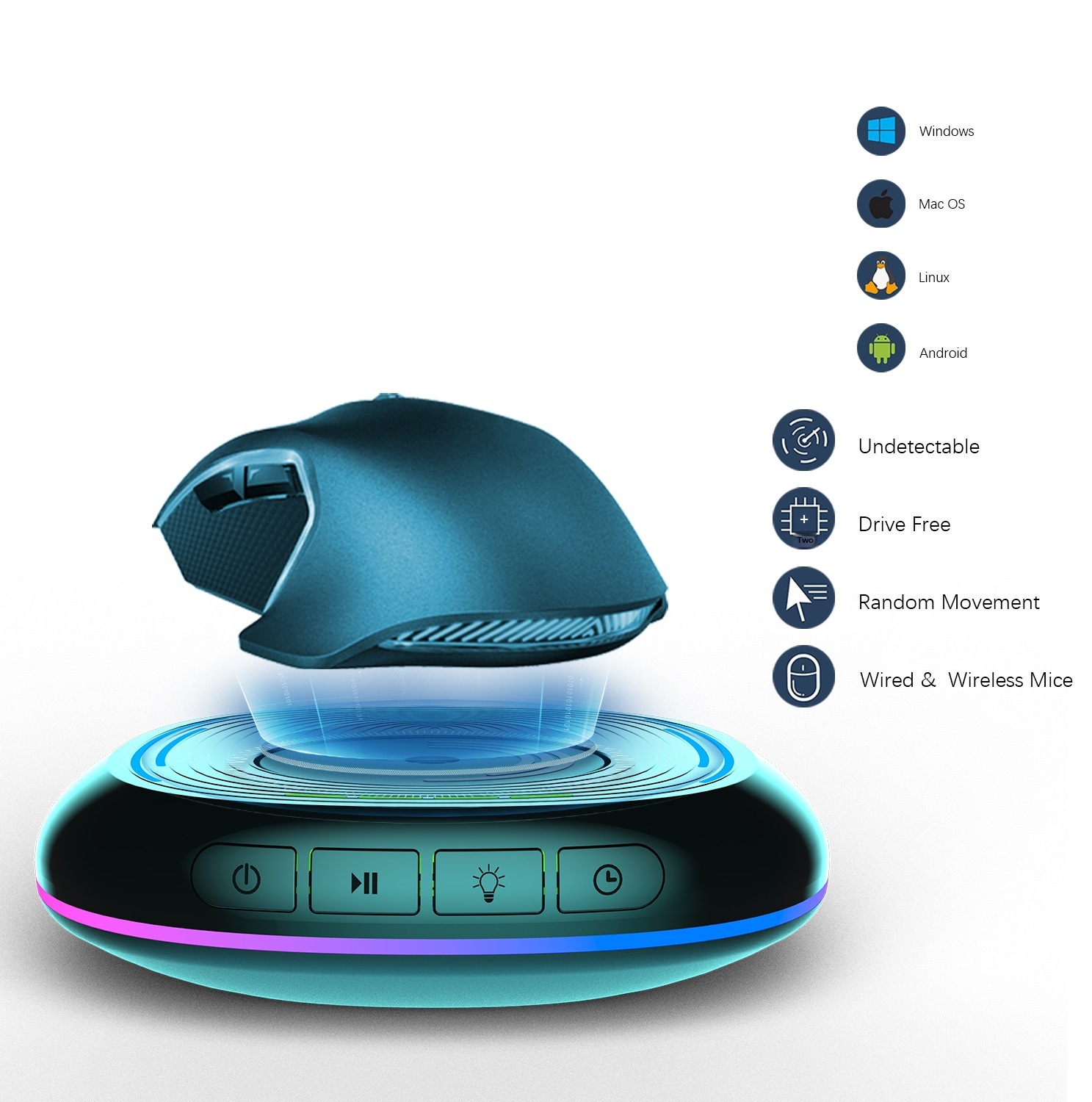
Product Name: Mouse Mover
Product material: ABS.PC
Product model.LZD-Q18
Product weight: 184g
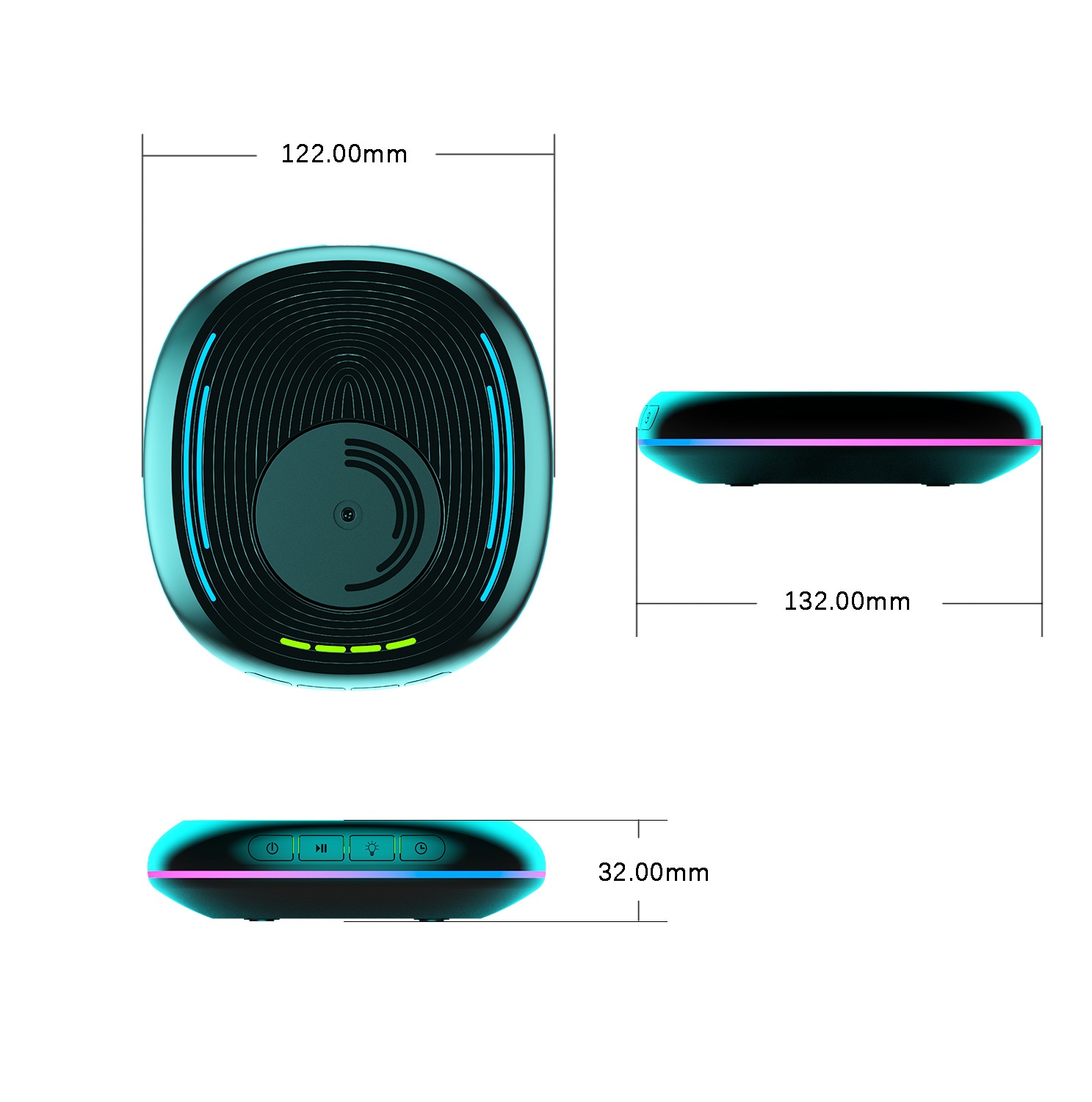
Product dimensions: Length 132MM*122MM*30.2MM
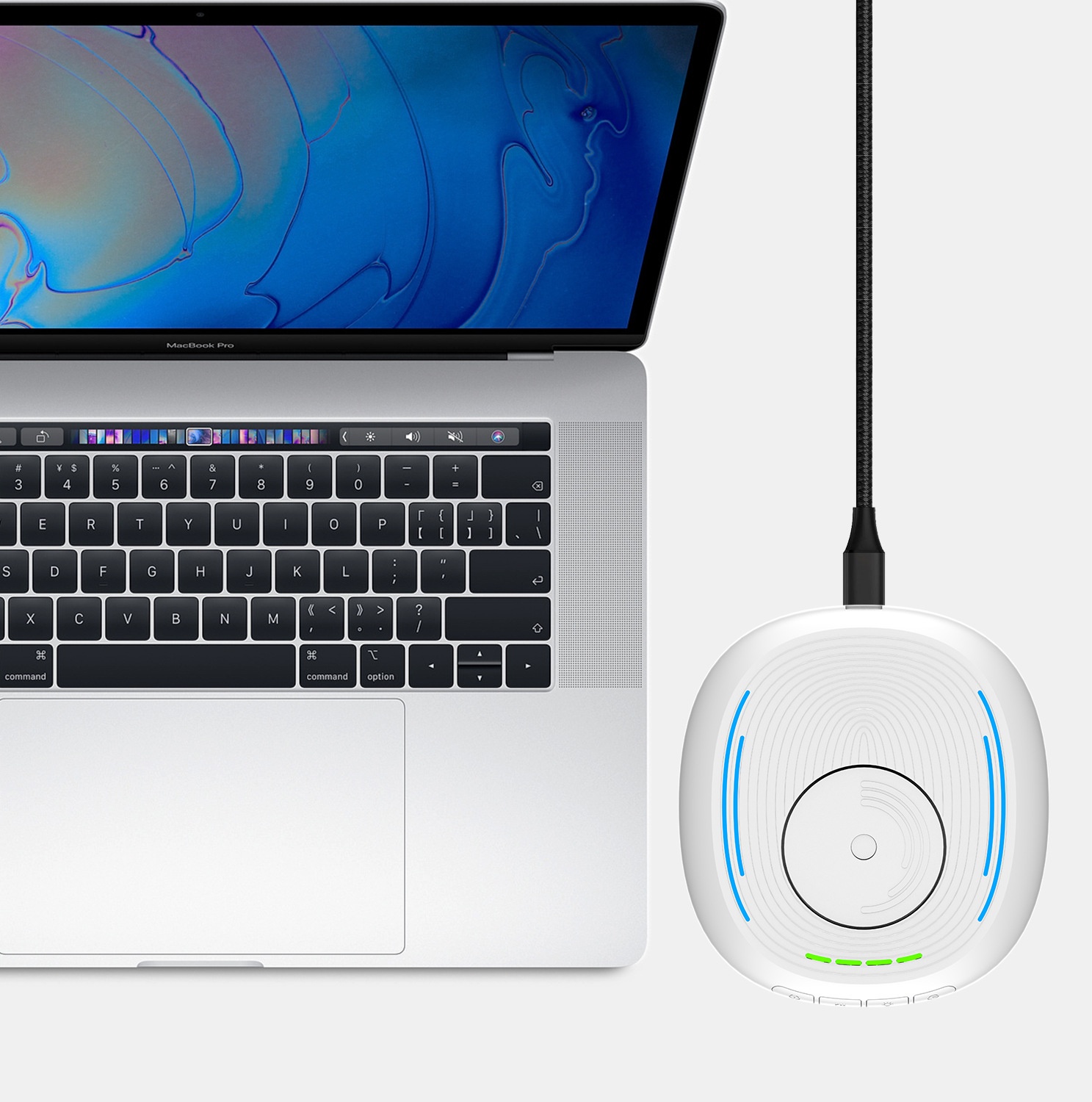
Power supply interface: USB-Type-C
Operating Voltage: 5V
Operating current: Less than 500mA
Operating temperature: 5℃-85℃
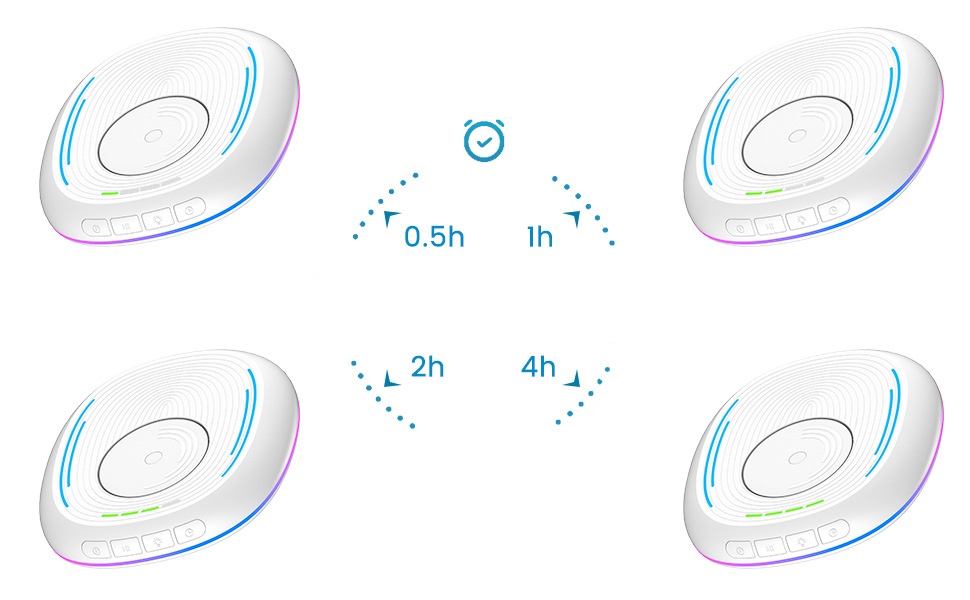
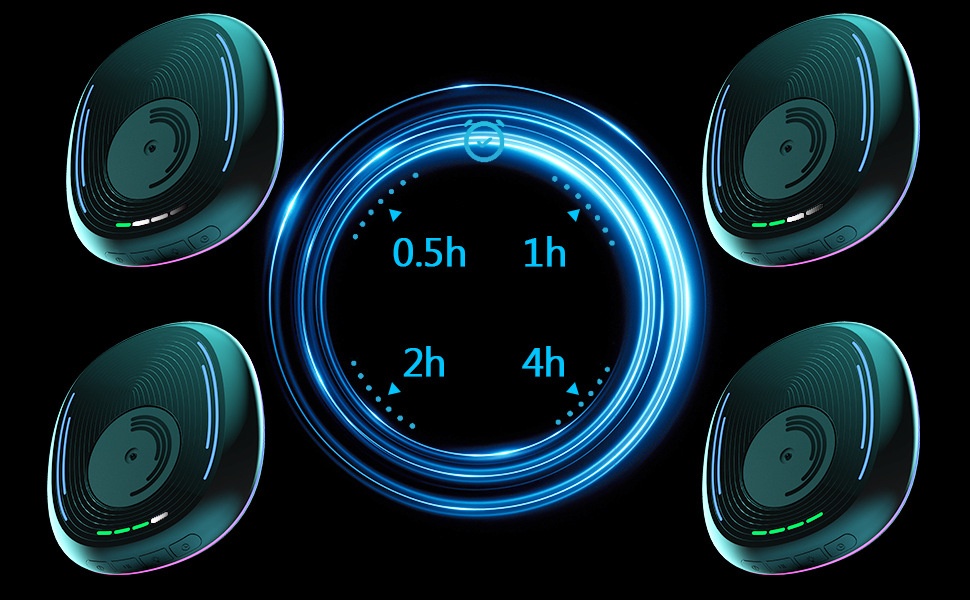
Scheduled working time: 0.5 hours/1 hour/2 hours/4 hours
2. Usage Functions:
1.Use a Type-C power cable to connect this product to a computer or charger. Charger power: 5V1A.
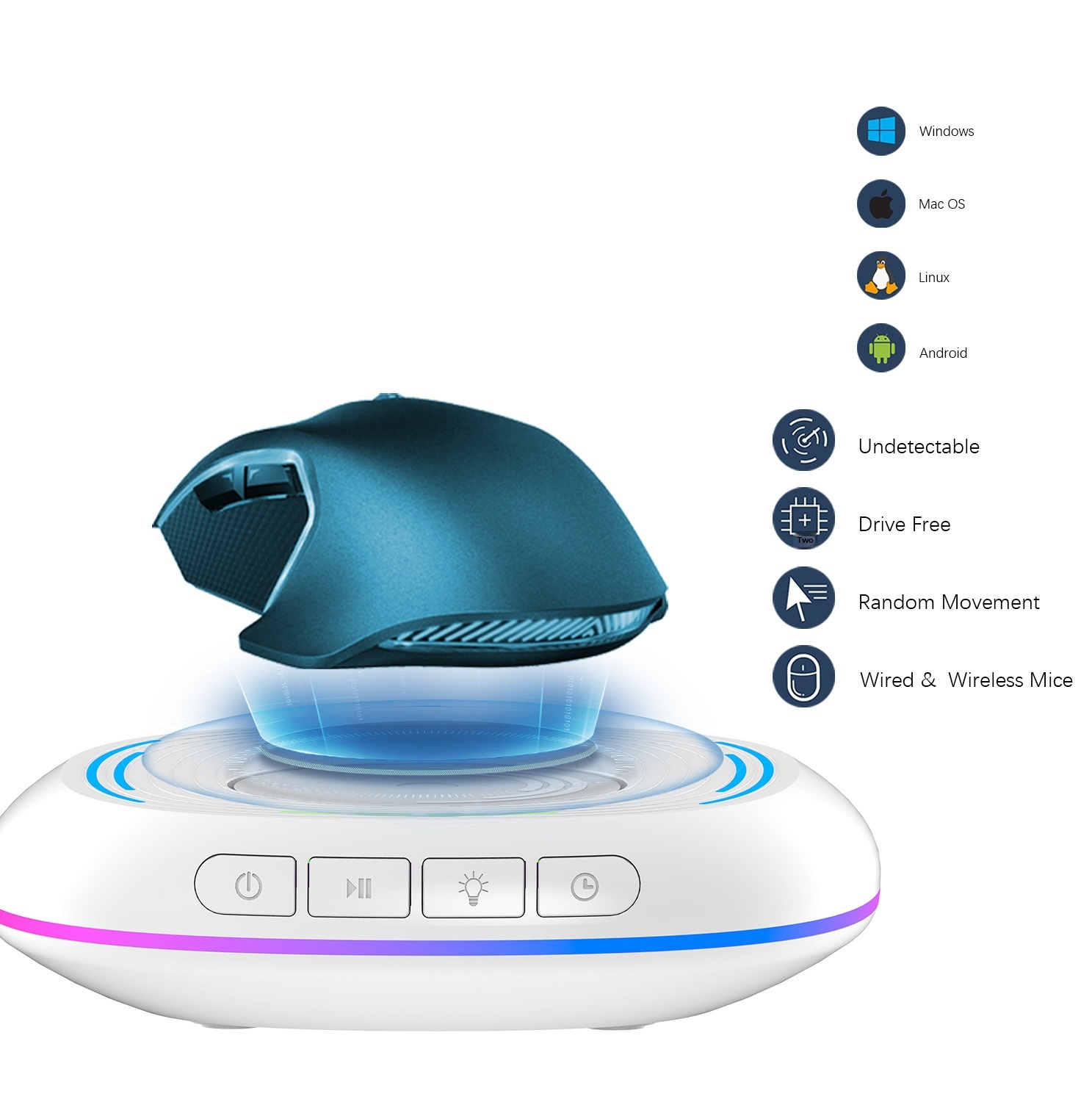
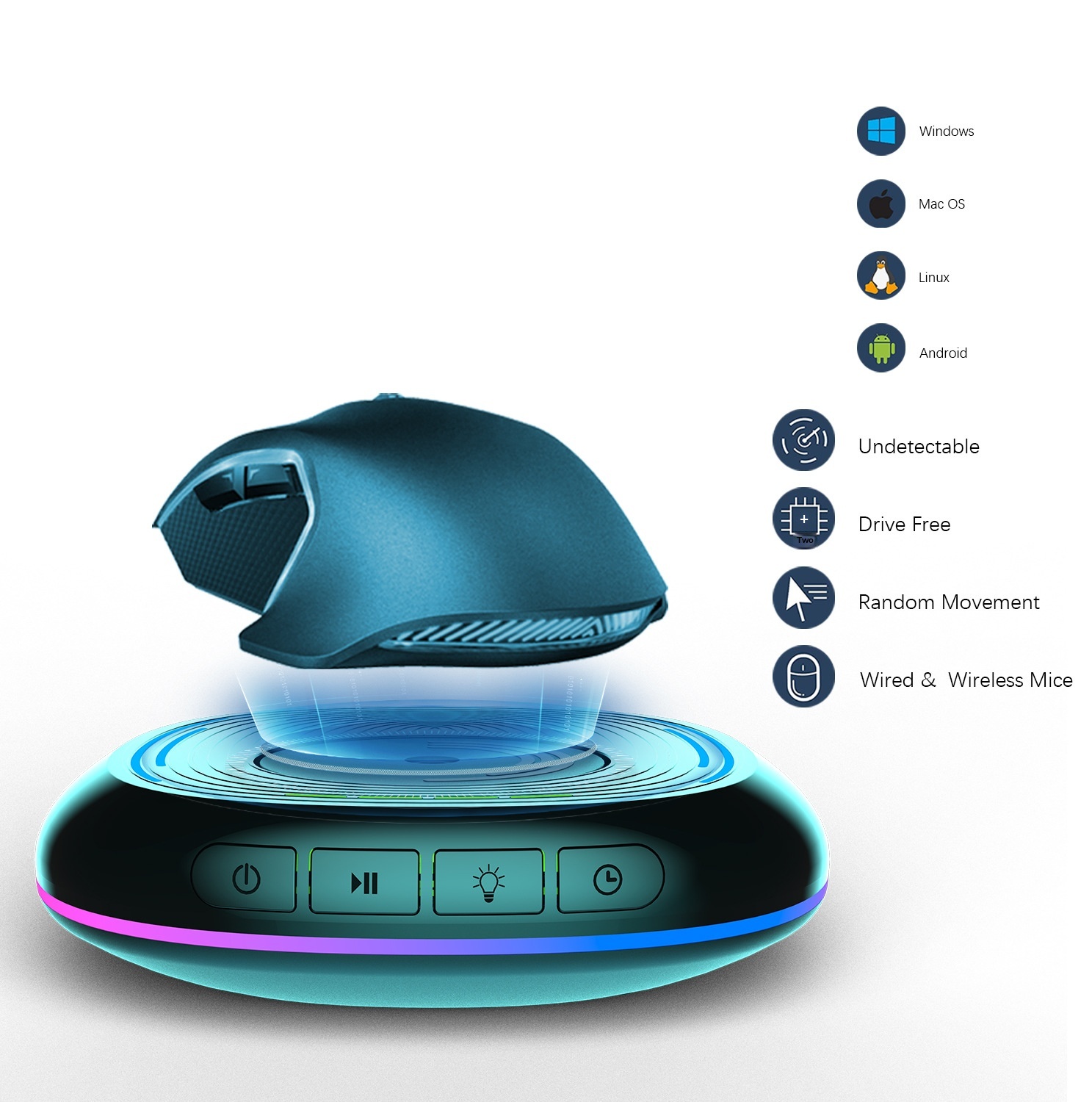
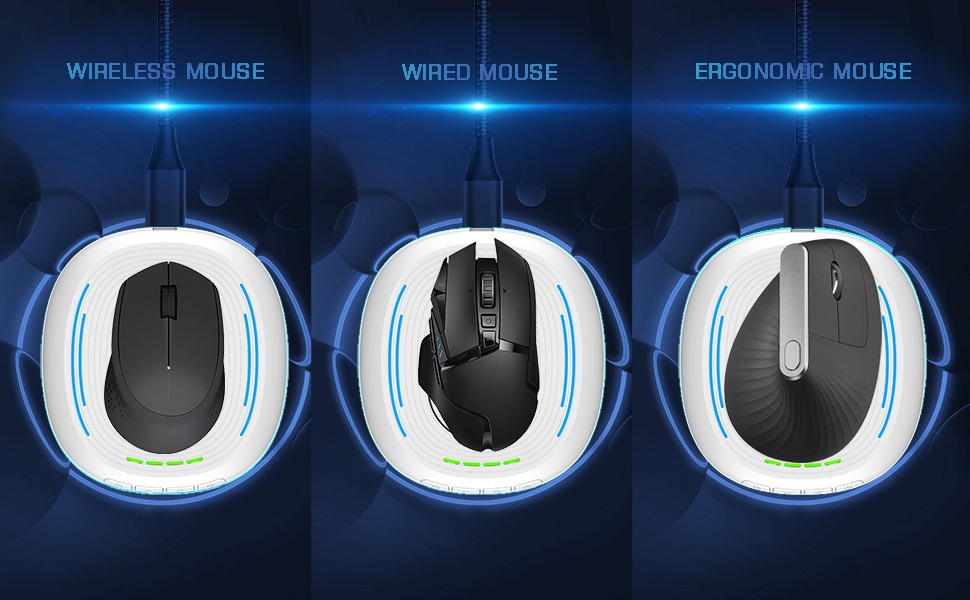
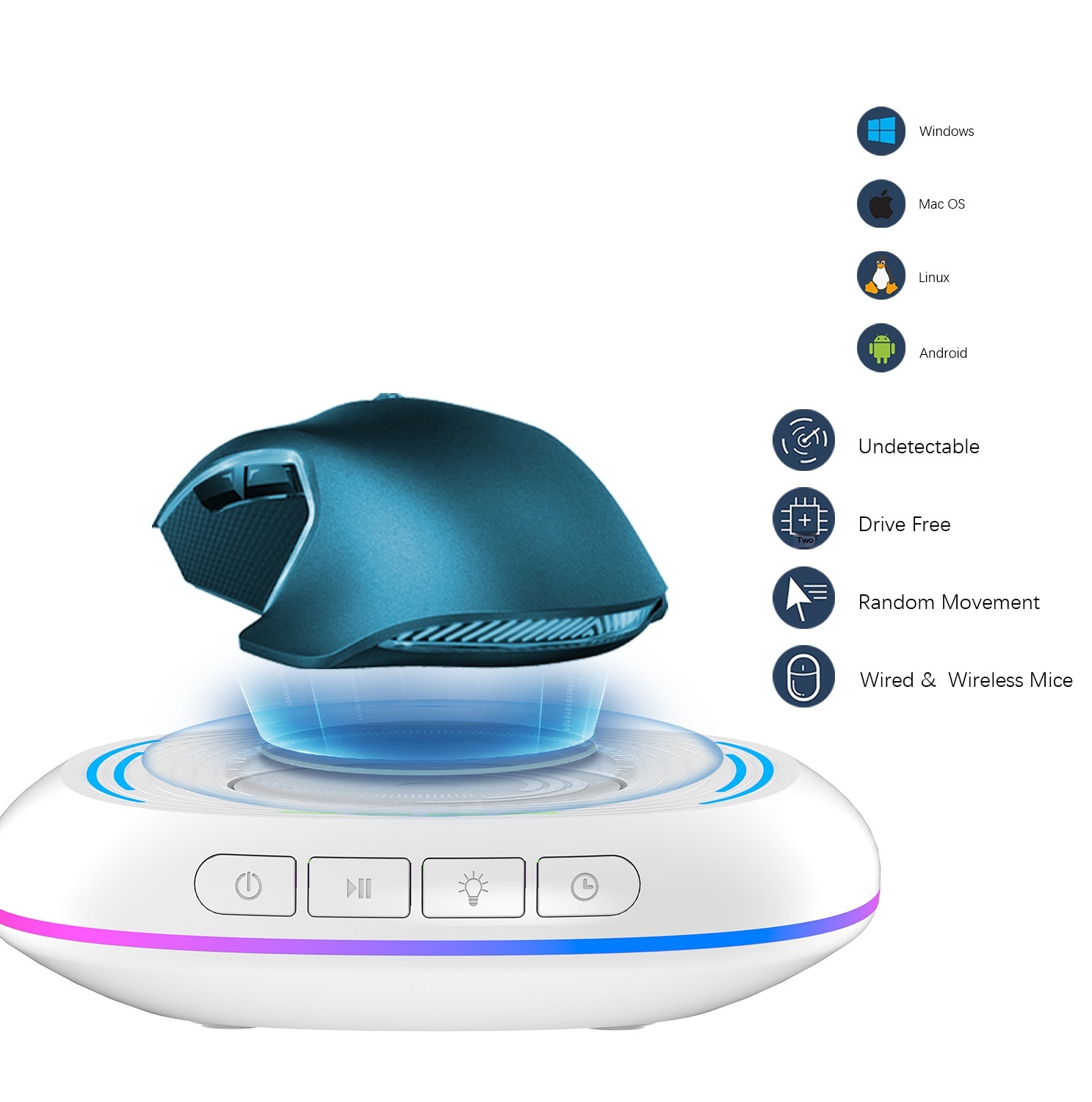
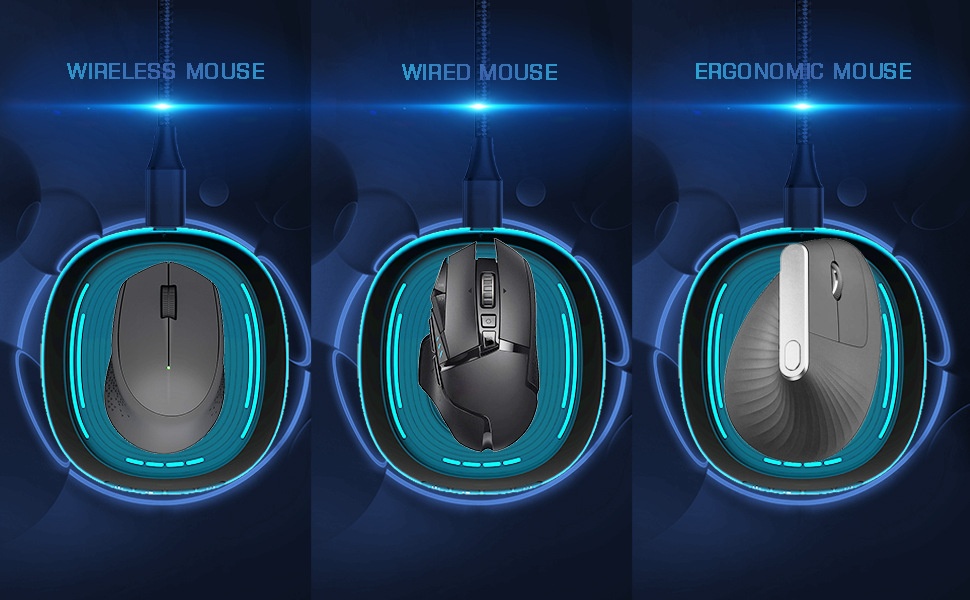
2.Place the mouse on this product and align the sensor light at the bottom of the mouse with the rotating disc of this product.
3. When powered on, it defaults to shutdown, the turntable does not rotate, and all lights are off.
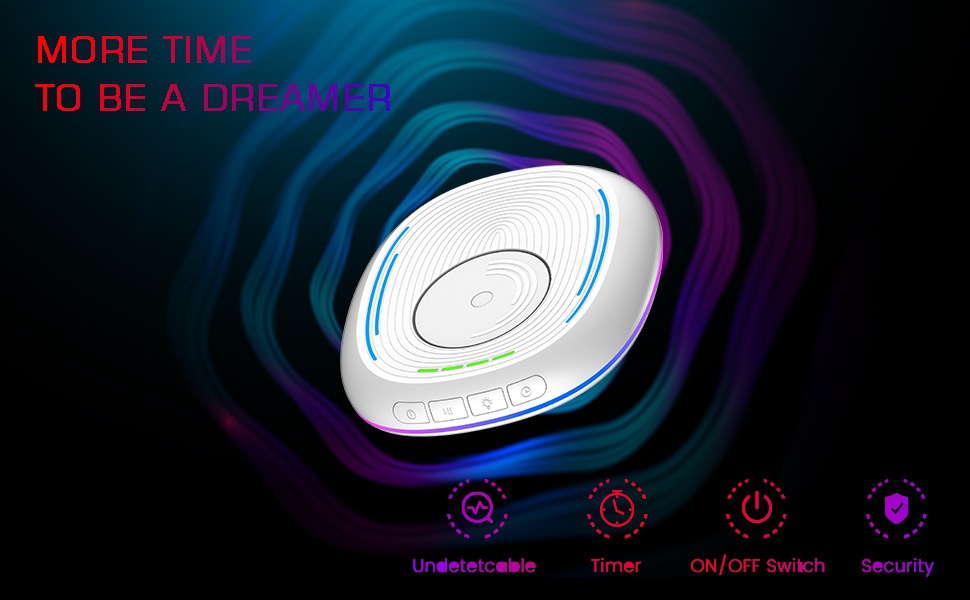
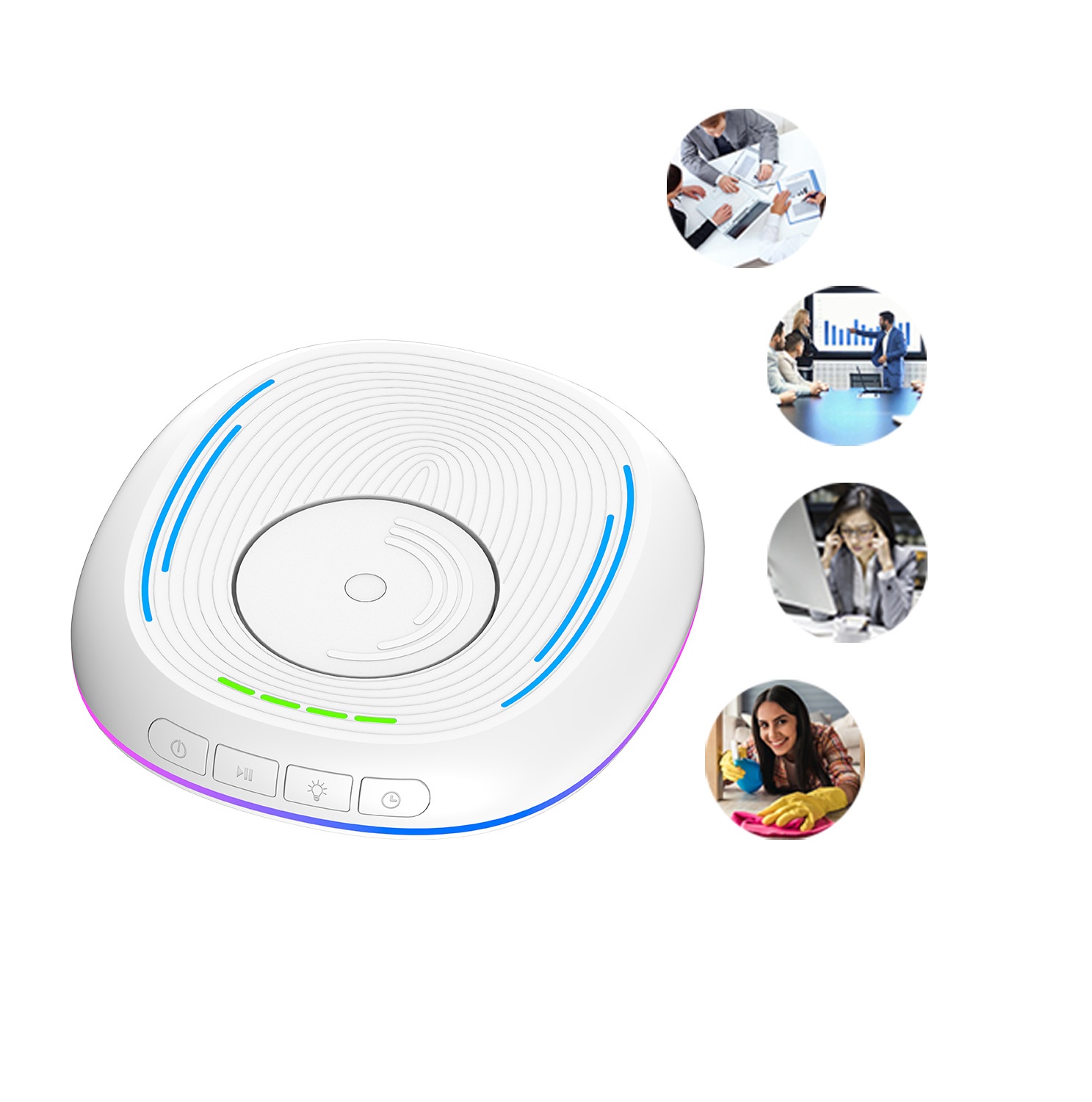
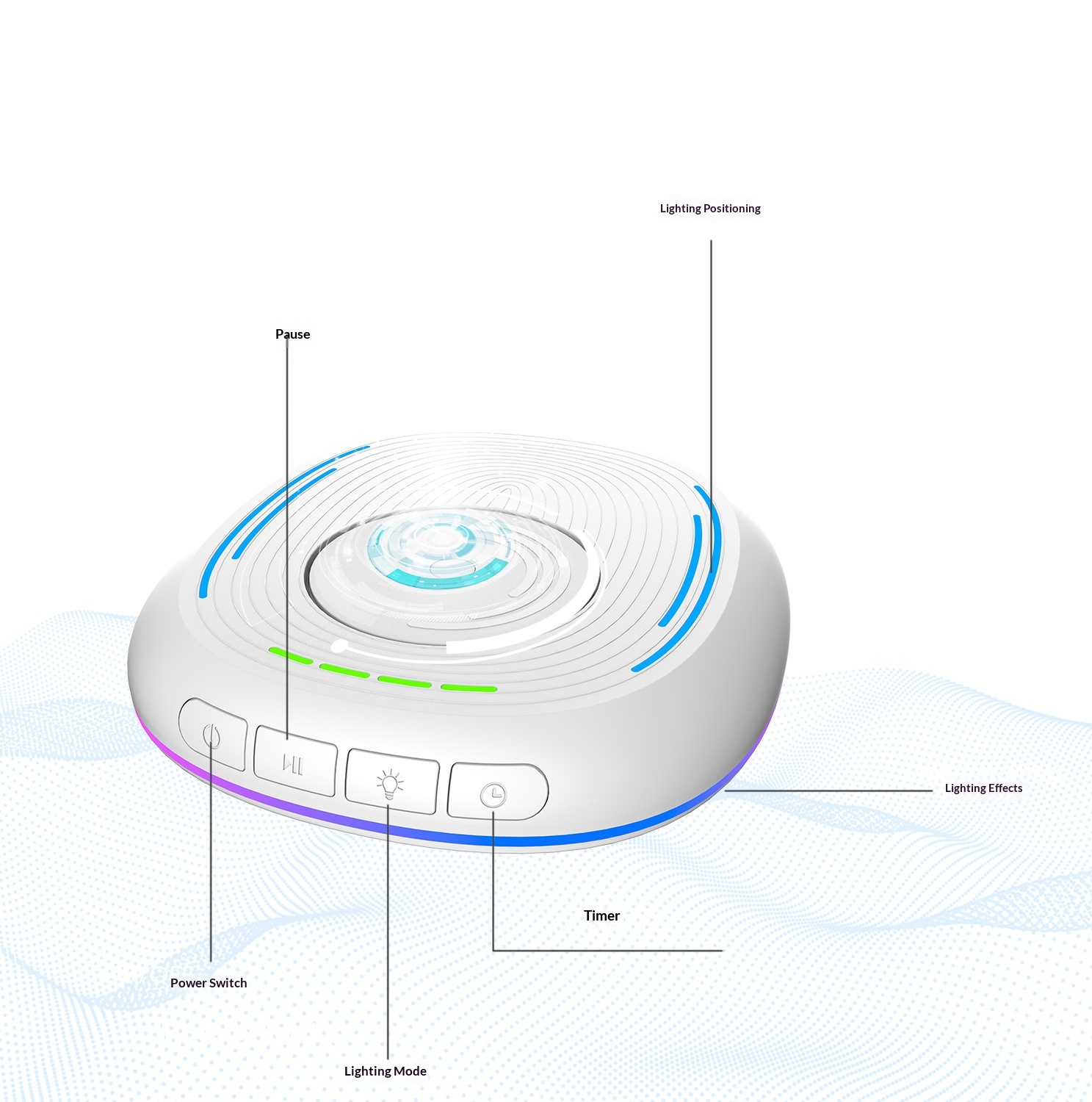
4. Main switch: Press once to turn on, the dial rotates and the light turns on; press again to turn off, the dial stops rotating and the light turns off.
5. Pause: With the main switch turned on, briefly press the dial to stop its rotation, and press it again to resume rotation.
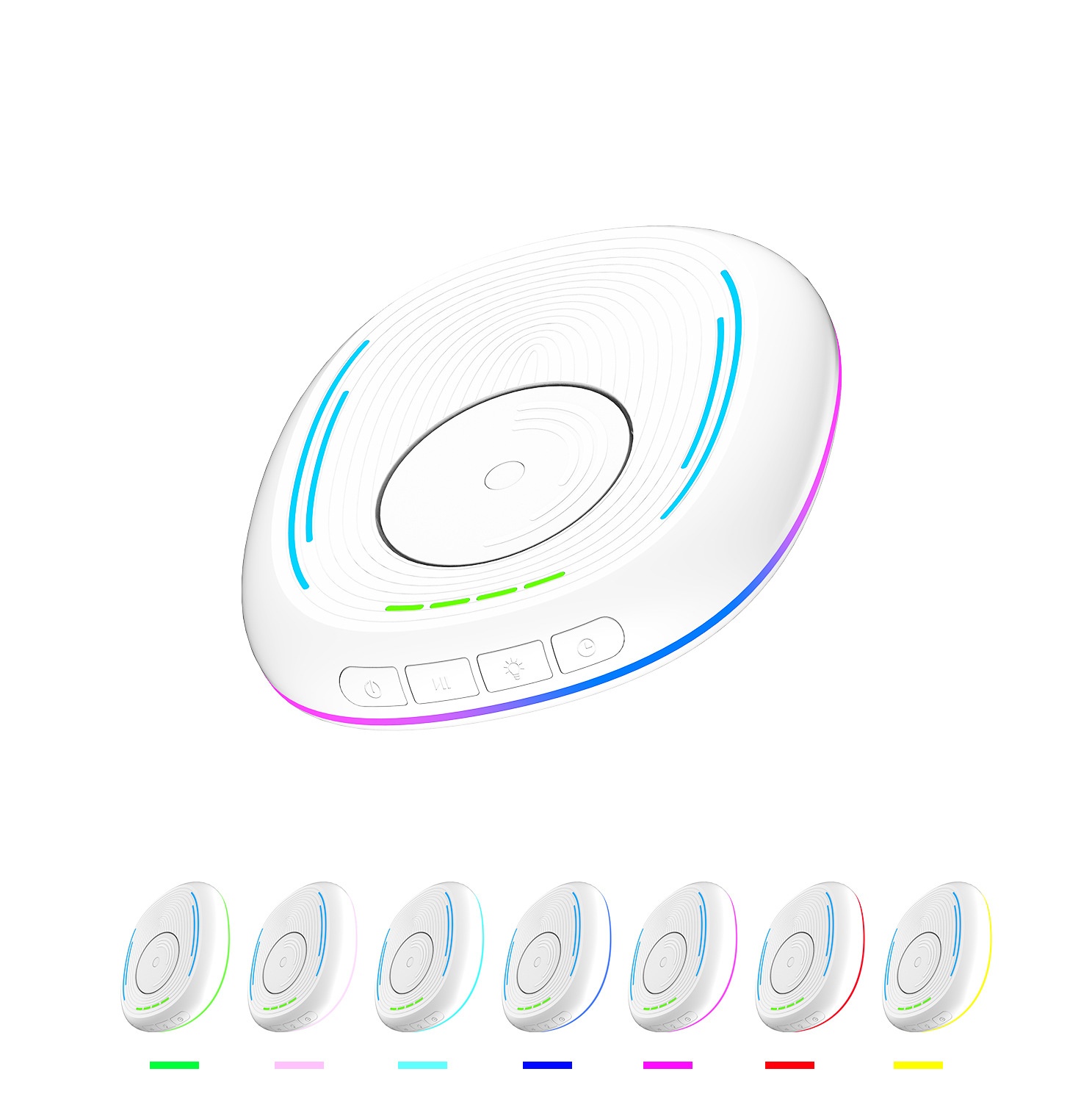
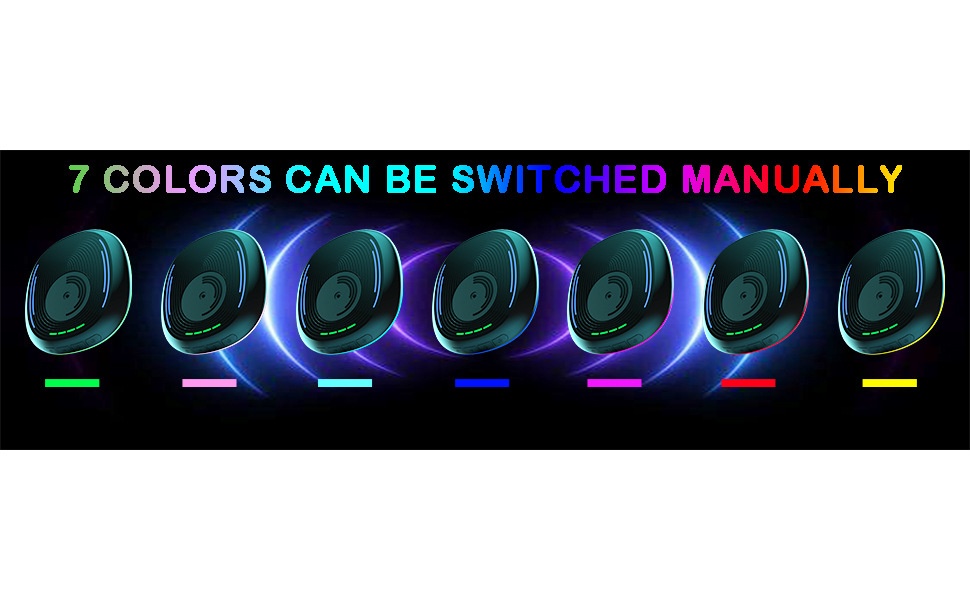
6. Lighting: Short press to switch to RGB light mode, with various modes to choose from, such as colorful lights, breathing lights, running lights, etc.; long press to turn off the lights, but the green timer indicator light will not turn off.
7. Timer: When powered on, the timer is set to be off by default, and the green indicator light does not illuminate.Short press to select the timer duration.One indicator light on indicates a 0.5-hour timer, two indicators on indicate a 1-hour timer, three indicators on indicate a 1.5-hour timer, four indicators on indicate a 2-hour timer, and no indicators on indicates the timer function is disabled.
Precautions:
This product should be placed flat on the computer desk, and please pay attention to its placement direction.
Please note that this product should be placed in a location where it is not prone to slipping, to avoid accidental damage from falling off the computer desk.
When using the product, place the mouse on top of it, and make sure the sensor light at the bottom of the mouse is aligned with the rotating disc of this product.
This product is only compatible with optical mice.


 4.4 out of 5 based on 9,249 reviews