

Full View
Similar items
Retro Handheld Video Game Console 400 Games In 1 Rechargeable Super Wide LCD UK
£29.92
£46.76 -36% OFF

Orb - Retro Mini Arcade Plug & Play TV Game (200 Games)
£24.58
£35.11 -29% OFF
128Bit Handheld Game Console Portable Video Game 10000+ Games Retro Boys Gifts
£64.16
£92.99 -31% OFF
Orb Retro Handheld Gaming Console 240 Games Built-In Classic Arcade Gift For Him
£42.77
£65.80 -35% OFF
K20 Handheld Mini 3.0 In TV Game Console Retro Dual Wireless Palyer 1000+ Games
£36.35
£49.80 -27% OFF
G5 500 In 1 MINI Video Game Handheld Game Players Portable Retro Video Console Boy 8 Bit Color LCD Screen Games
£31.17
£51.95 -40% OFF
500 Classic Games Handheld Retro Video FC Game Console Player For Kids Adults
£19.33
£27.61 -29% OFF
R36S Retro Handheld Game Console Emulator 128GB 21000+ Games Pocket Video Player
£21.16
£35.27 -40% OFF
500 In 1 Retro Handheld Game Console 3.5' AV TV Output Portable Gift For Kids
£64.16
£106.93 -39% OFF
Electronic Hand Held Retro Game Boy Console 23 Games Machine Battery Operated
£19.15
£31.91 -39% OFF
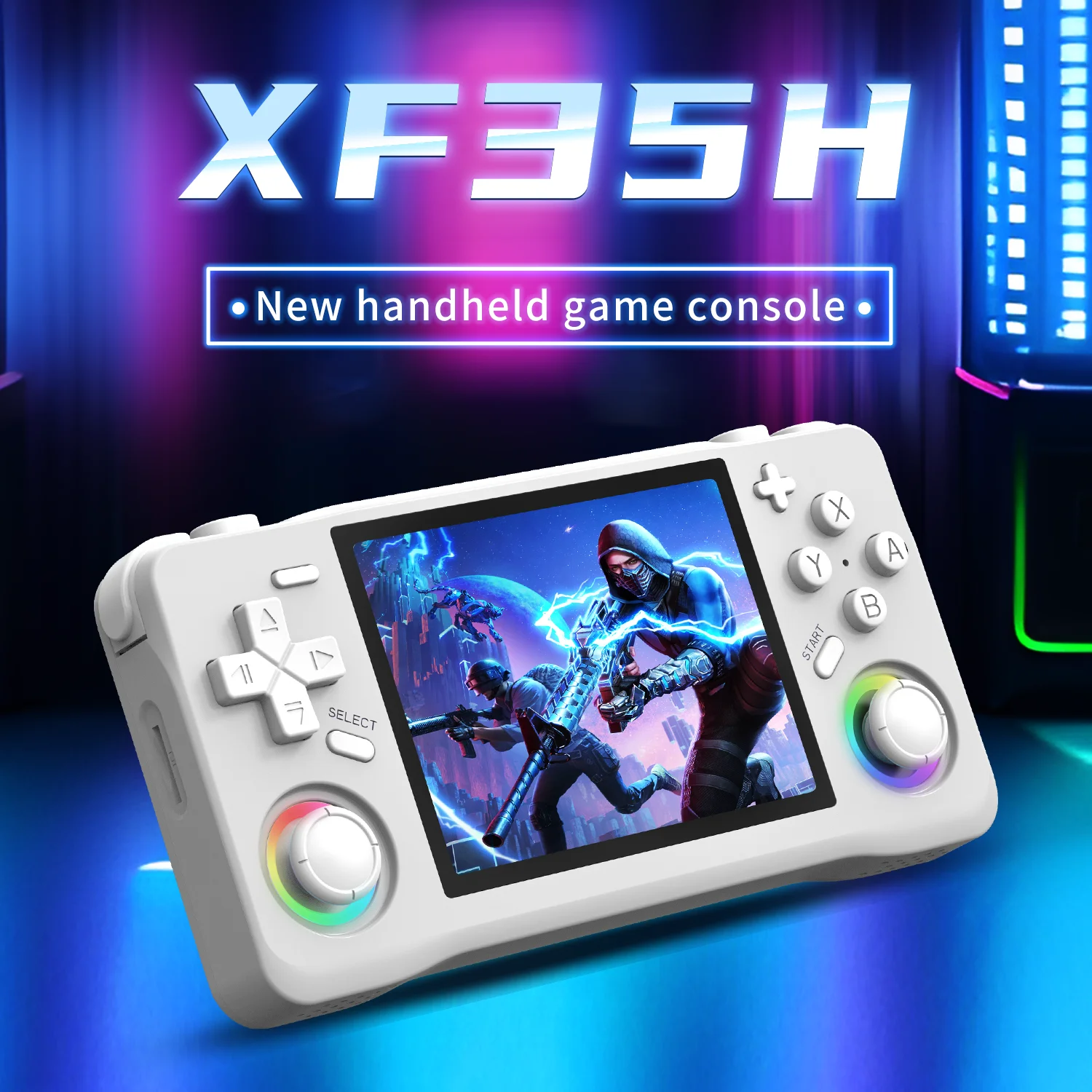
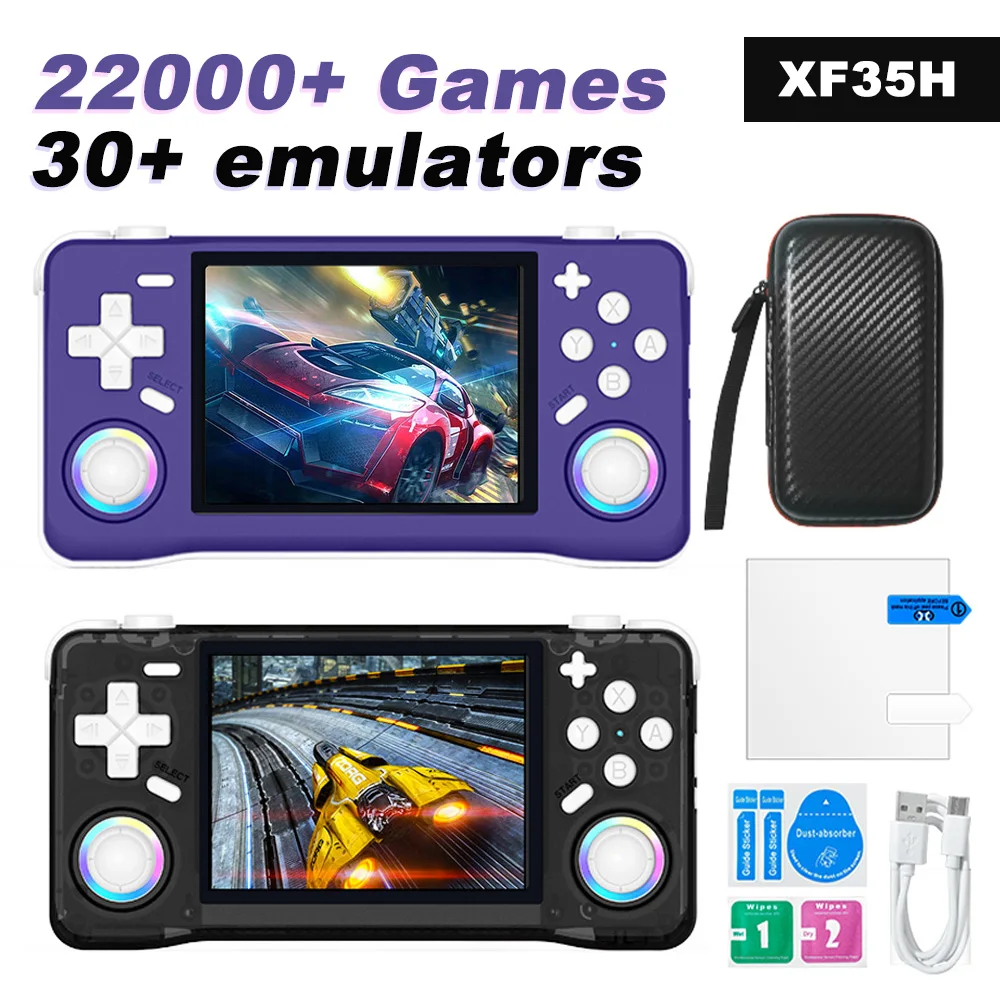
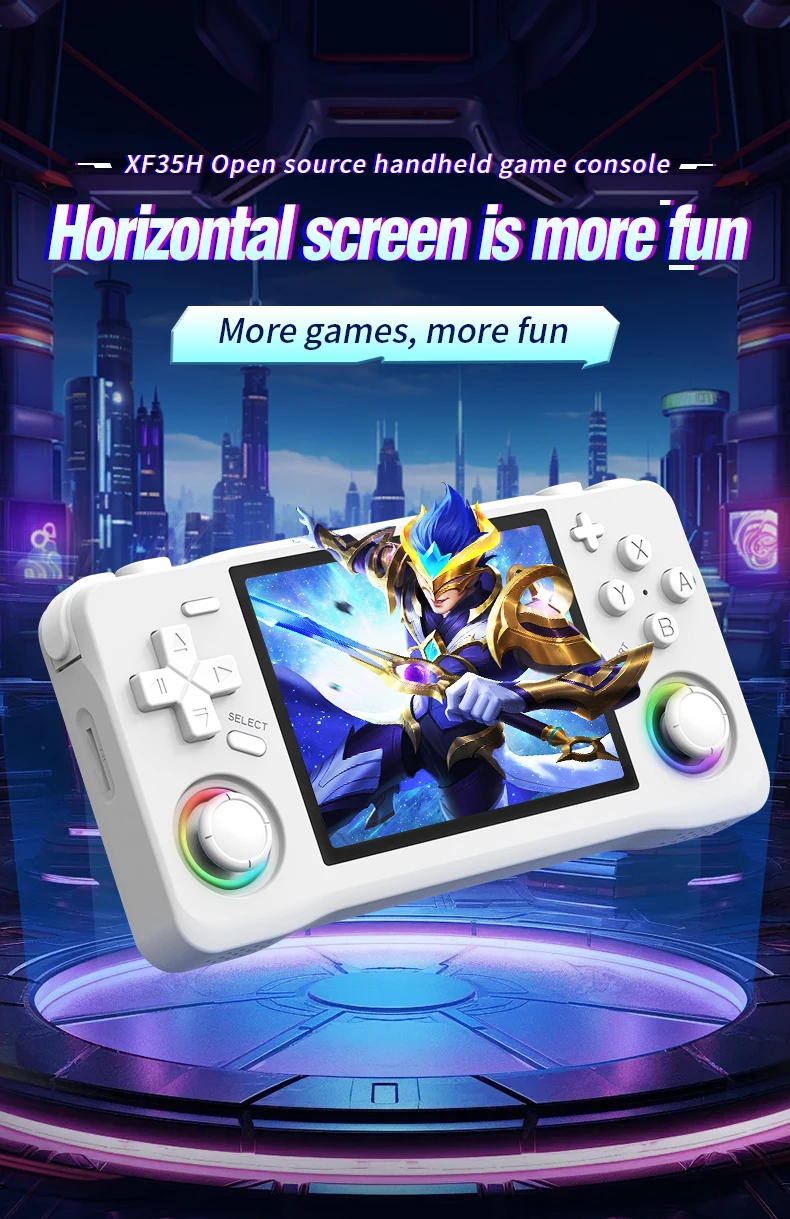
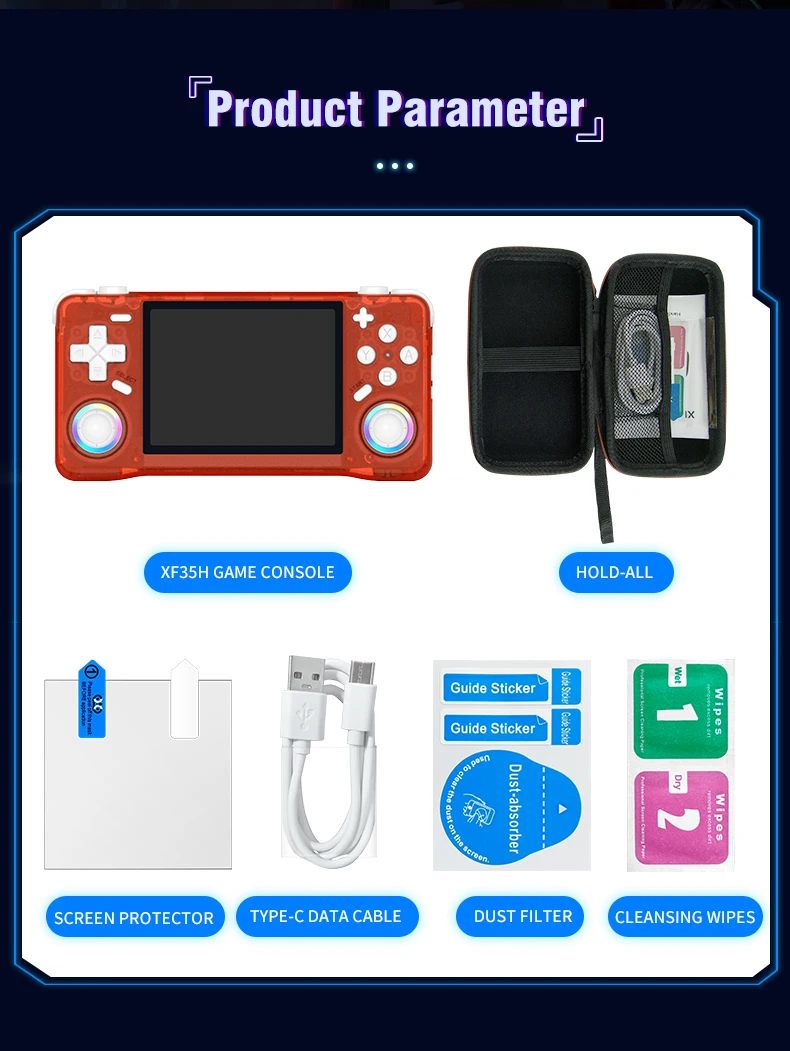
The XF35H Retro Handheld Video Game Console Features Linux System, A 3.5-inch IPS Screen, And Pocket-sized Gaming
£42.27£66.14
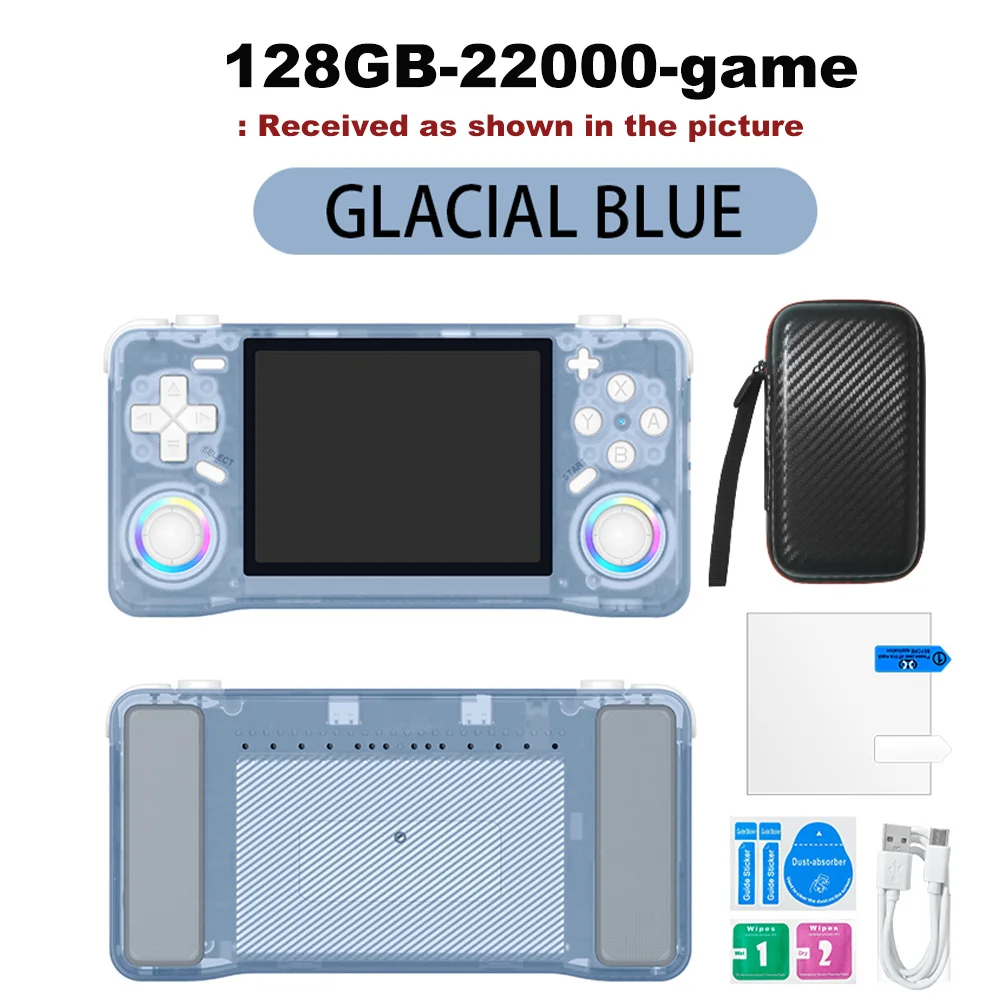
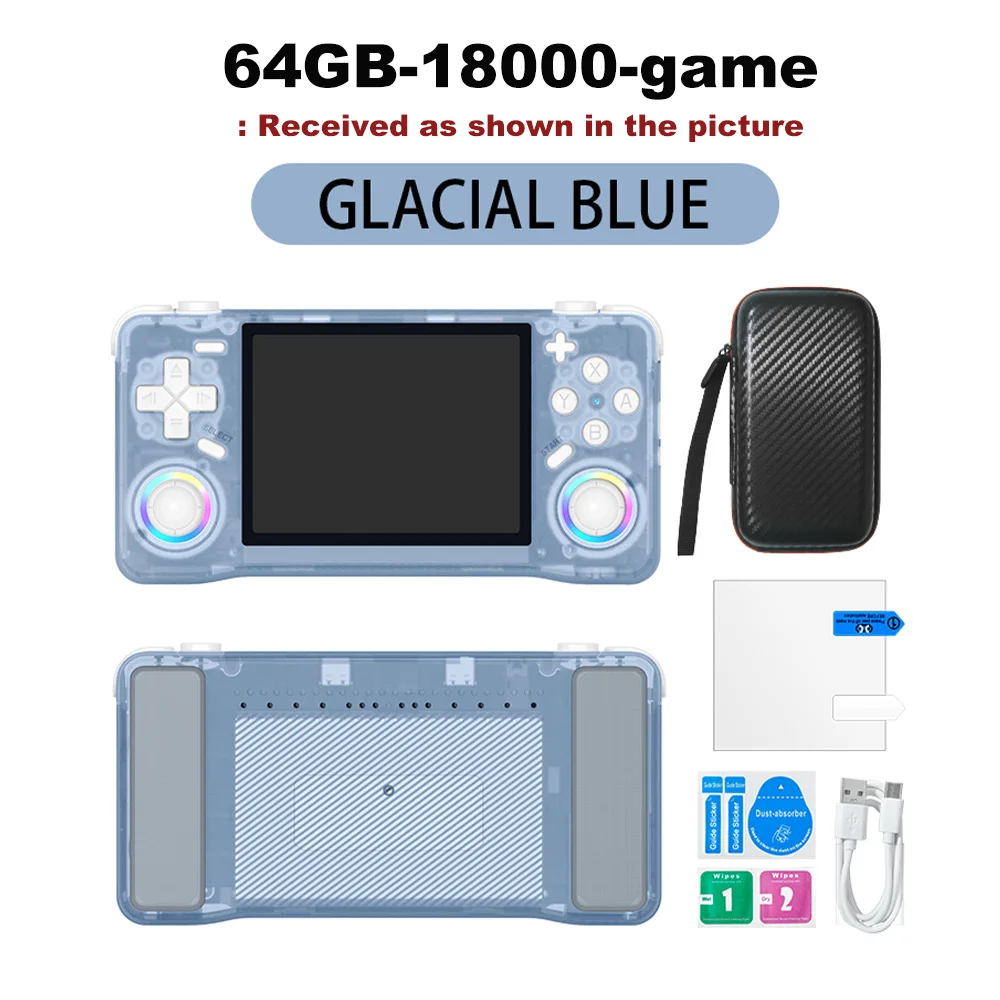
Color : Blue 64GB
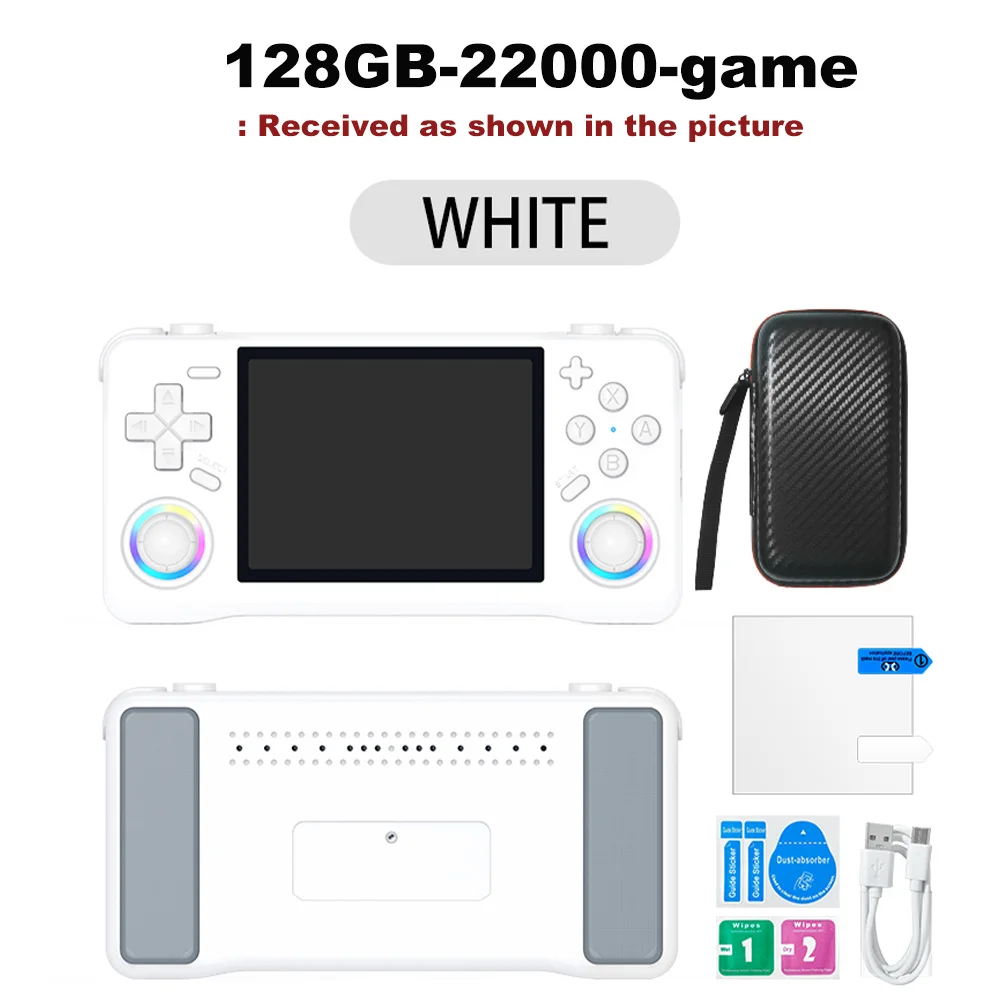
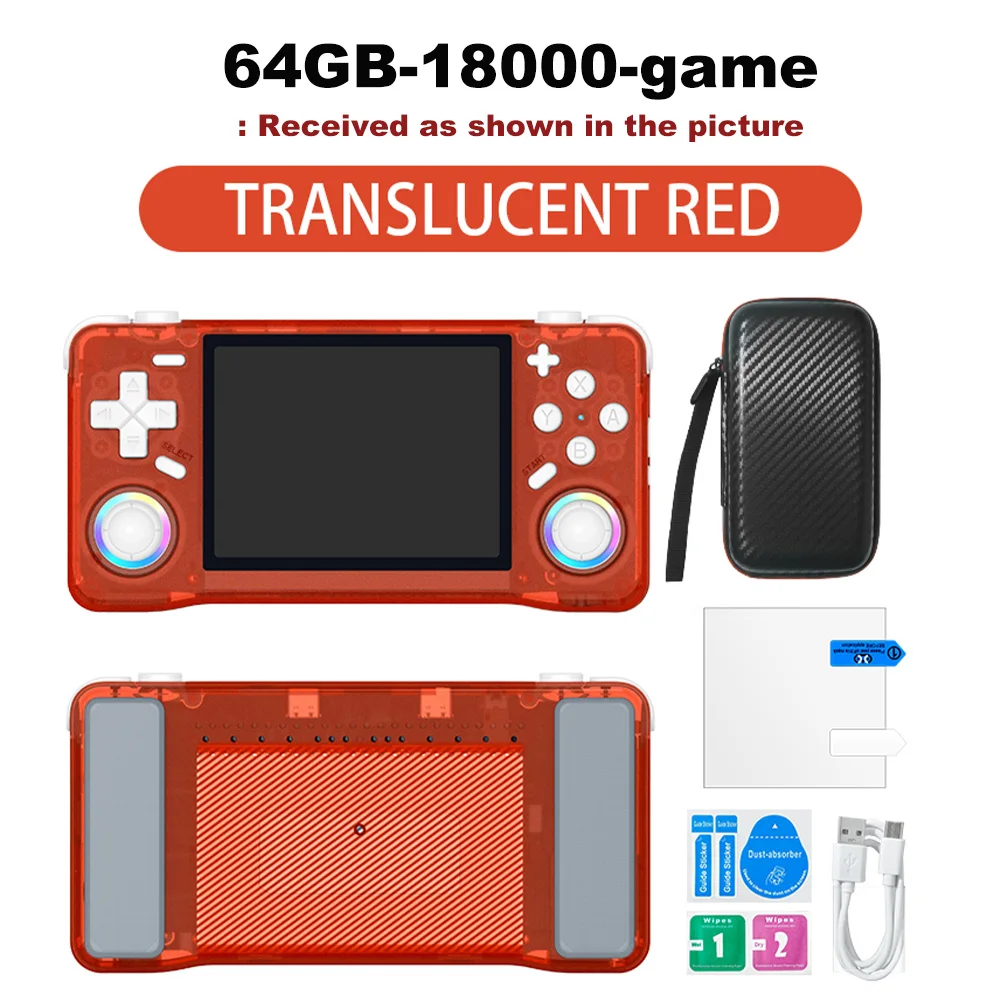
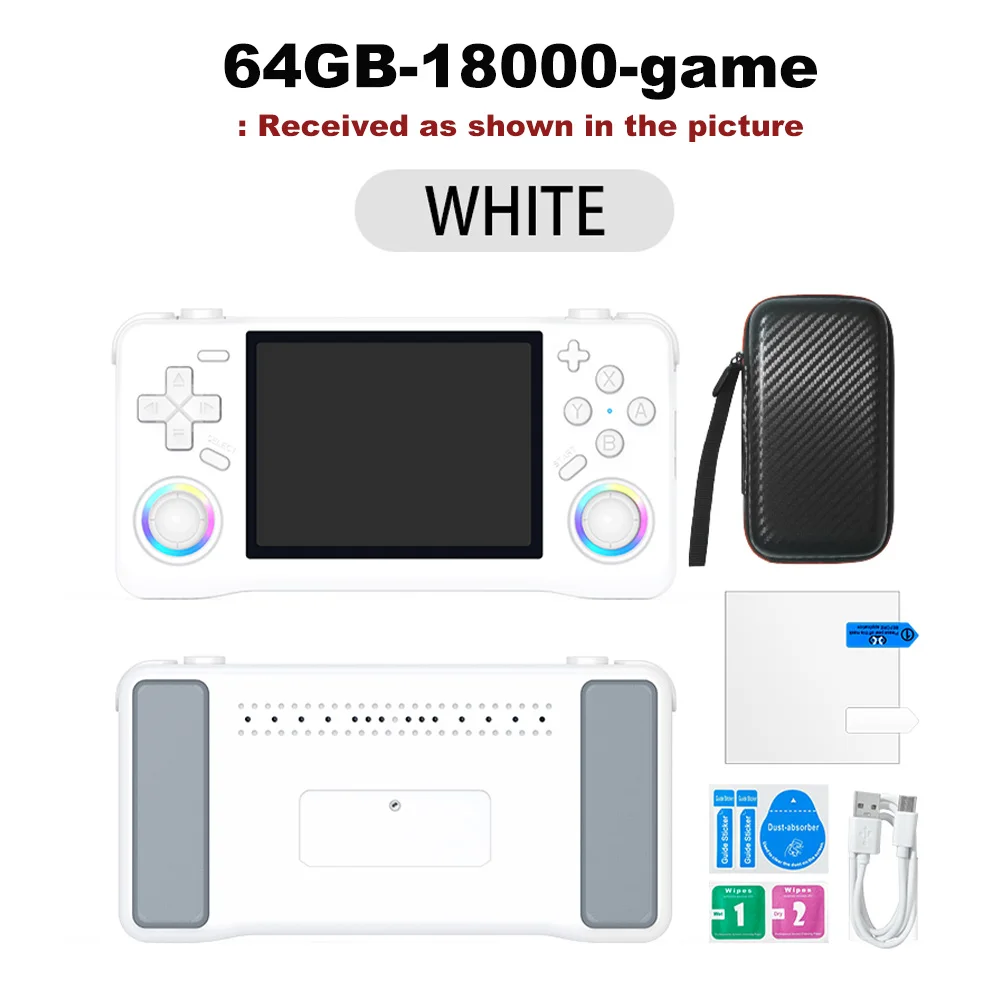
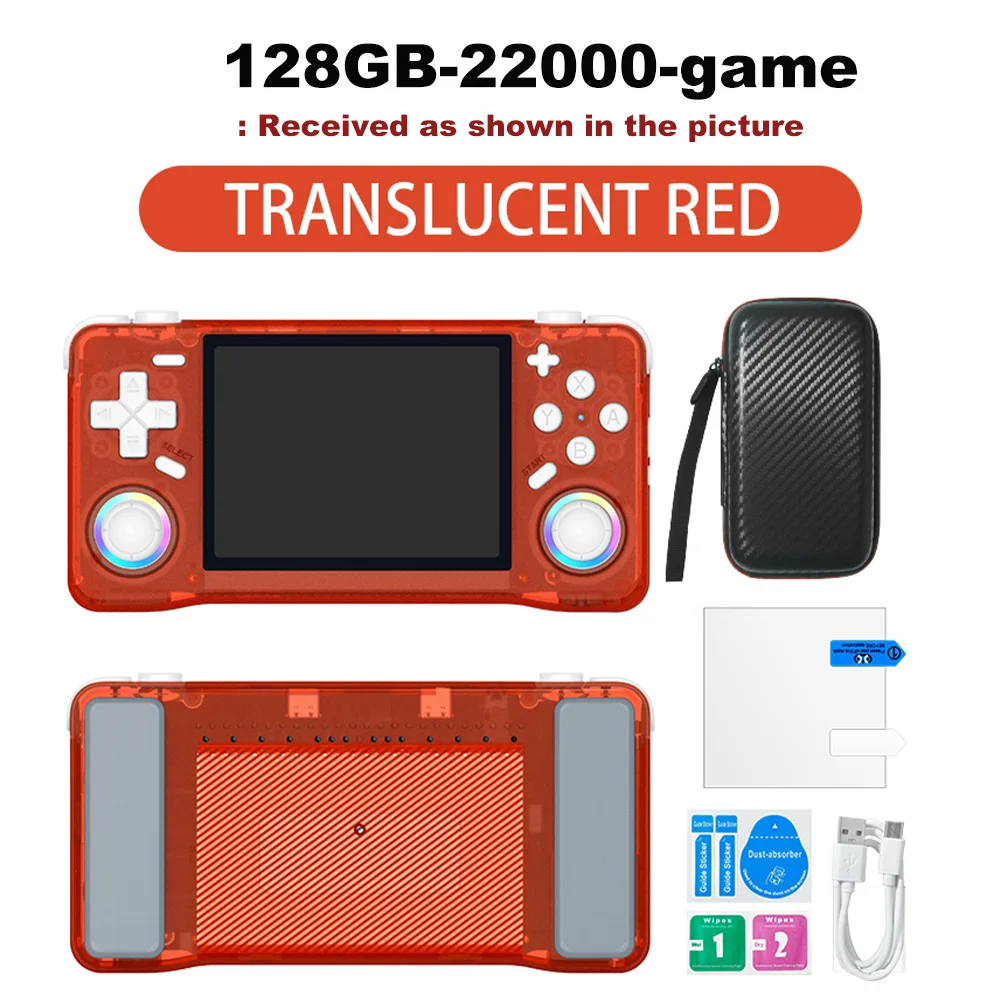
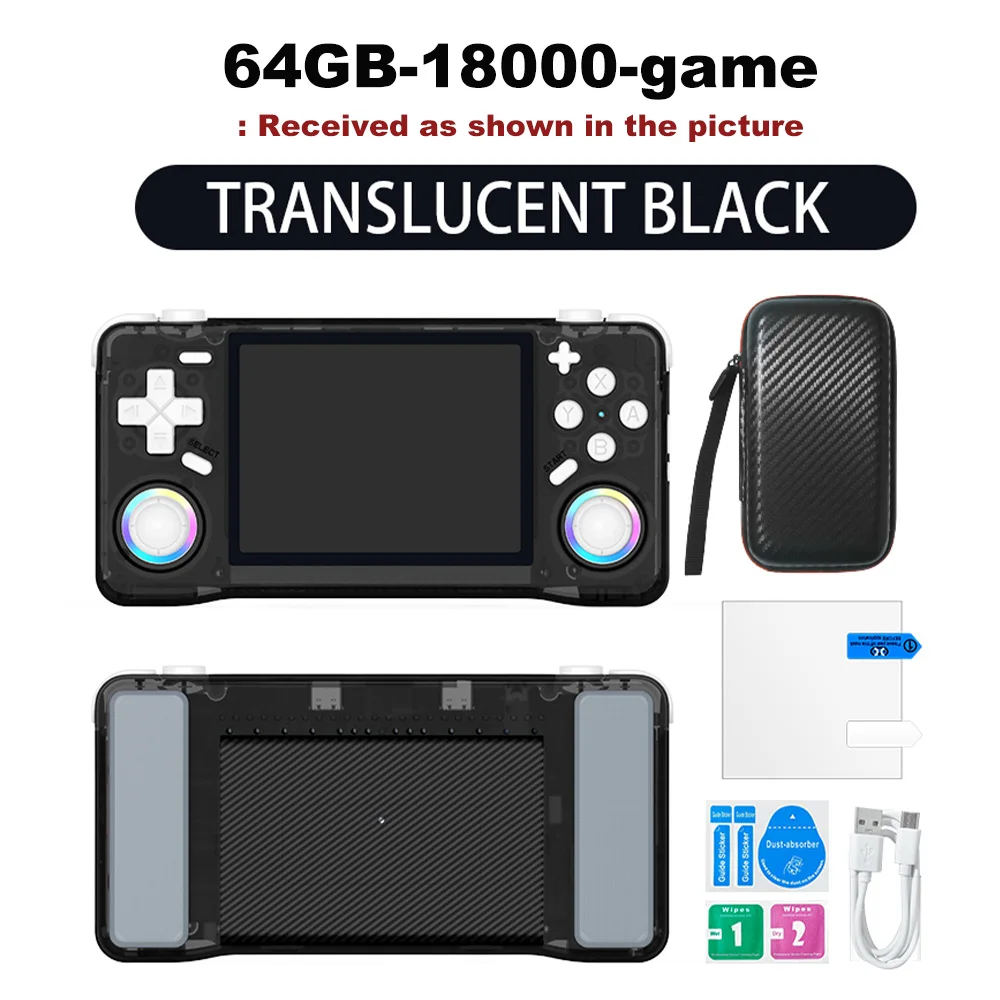
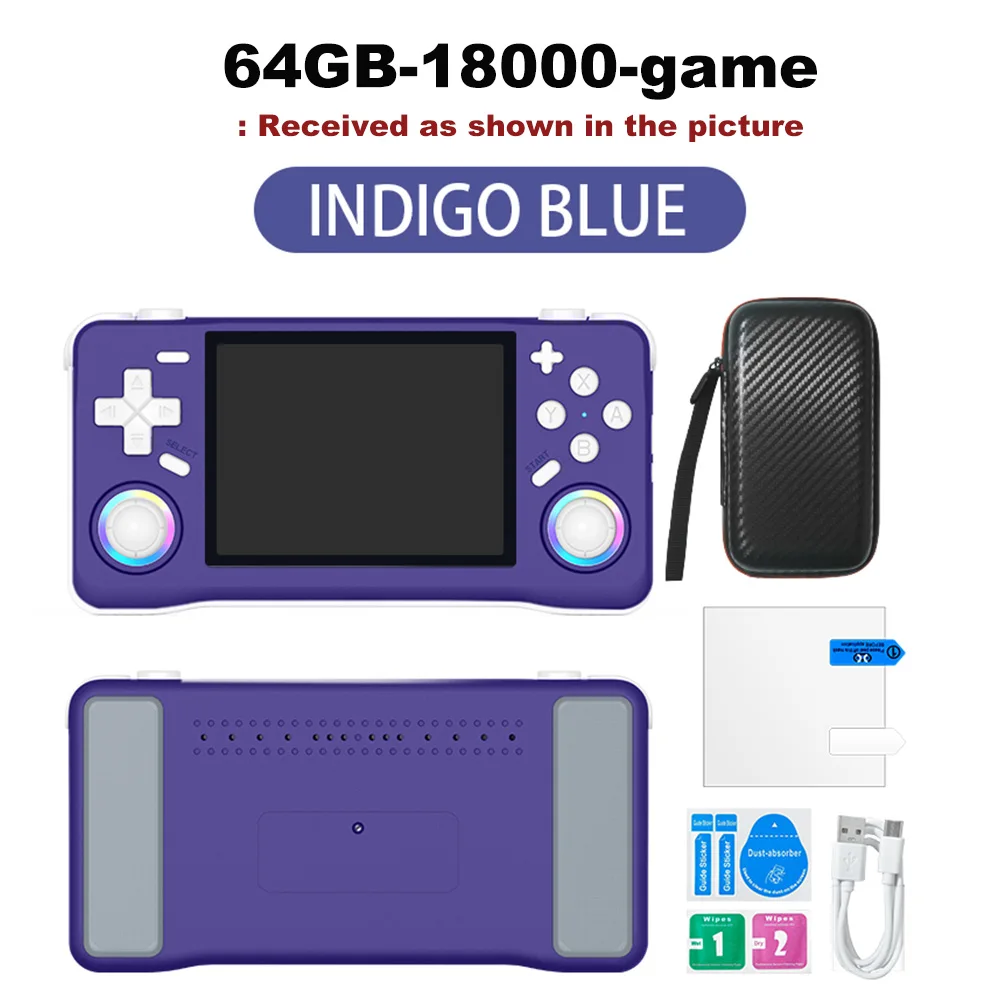
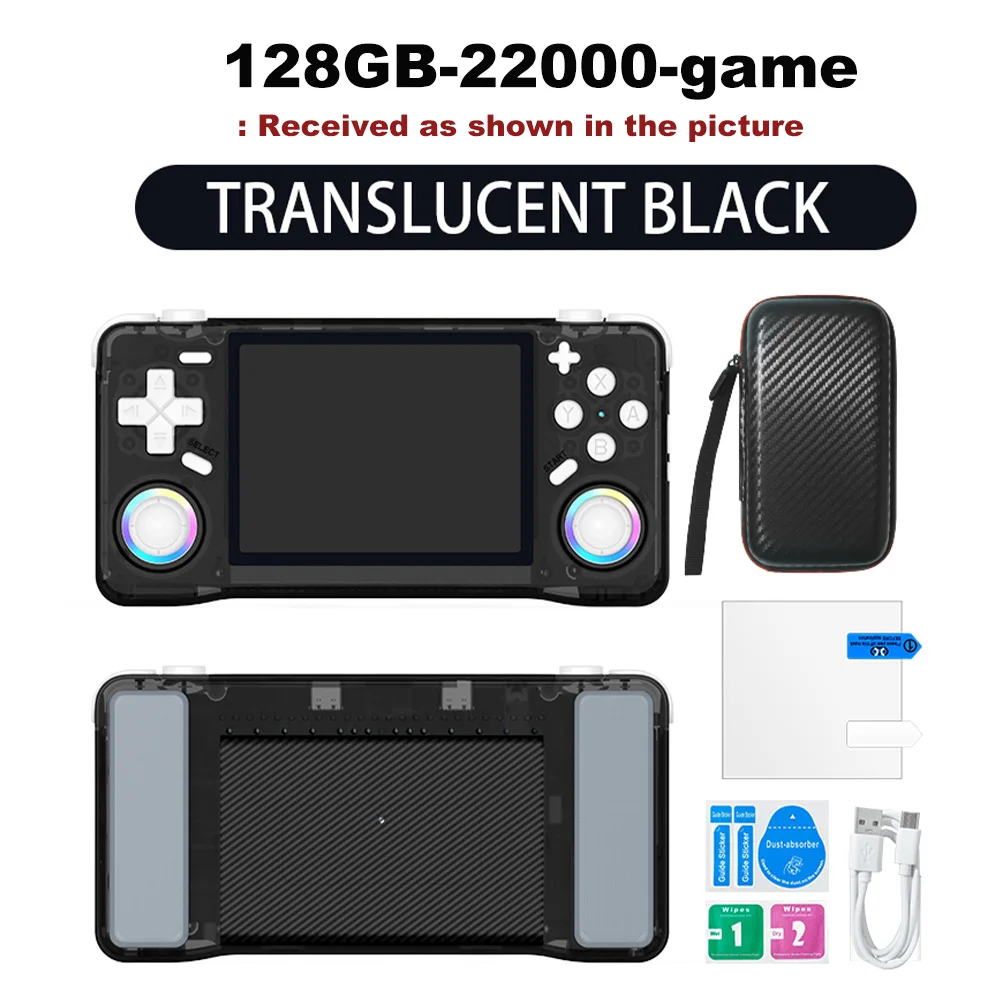
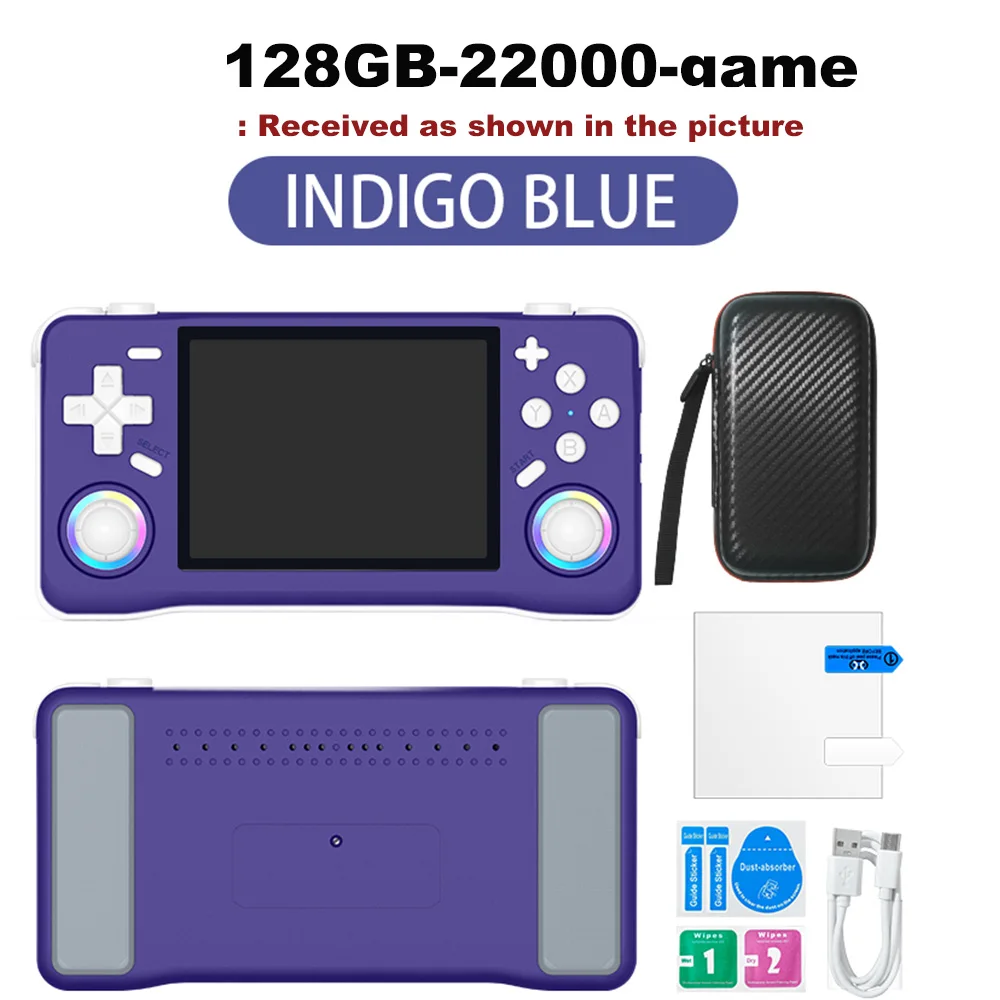
Quantity :

Report
Include copyright infringementFree Standard Shipping. See details
Estimated between Sat, Aug 1 and Wed, Aug 5
You can return the product within 30 days of receipt. See details
Shop with confidence

Money Back Guarantee
Get the item you ordered or your money back. Learn more
About this item
Sourced from TechNex
Seller assumes all responsibility for this listing.Item number: 39304692
Item specifics
Color Display
Yes, No
Connection
Wi-Fi, Bluetooth, Usb
Display Size
2.7", 3.0", 3.25"
Touch Screen
Yes, No
Item description from the seller
Multilingual Support
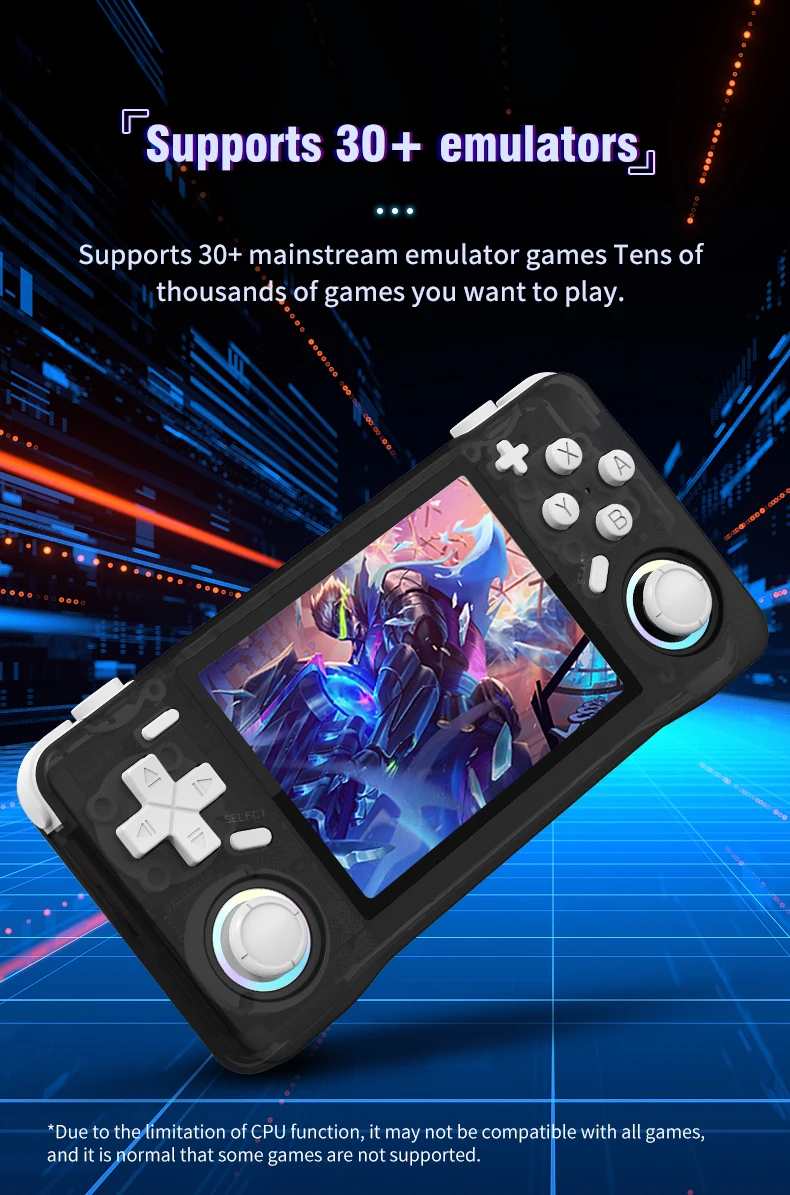
Enjoy games in Japanese, expanding your gaming horizons with this multilingual handheld console.
Ample Storage
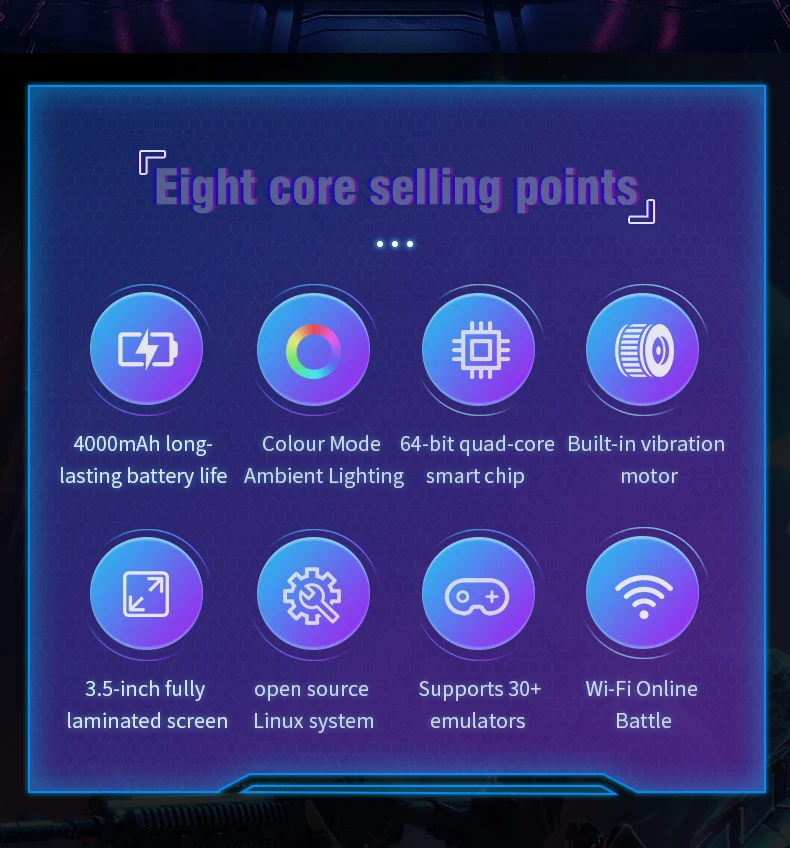
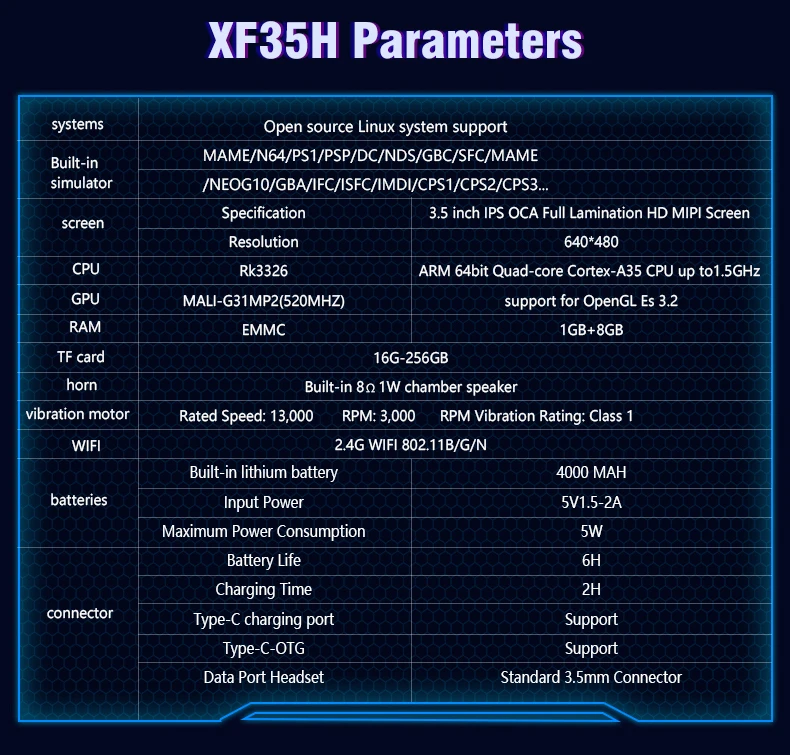
The XF35H comes with 128GB of preloaded games, ensuring you have plenty of entertainment wherever you are.
High-Resolution Display
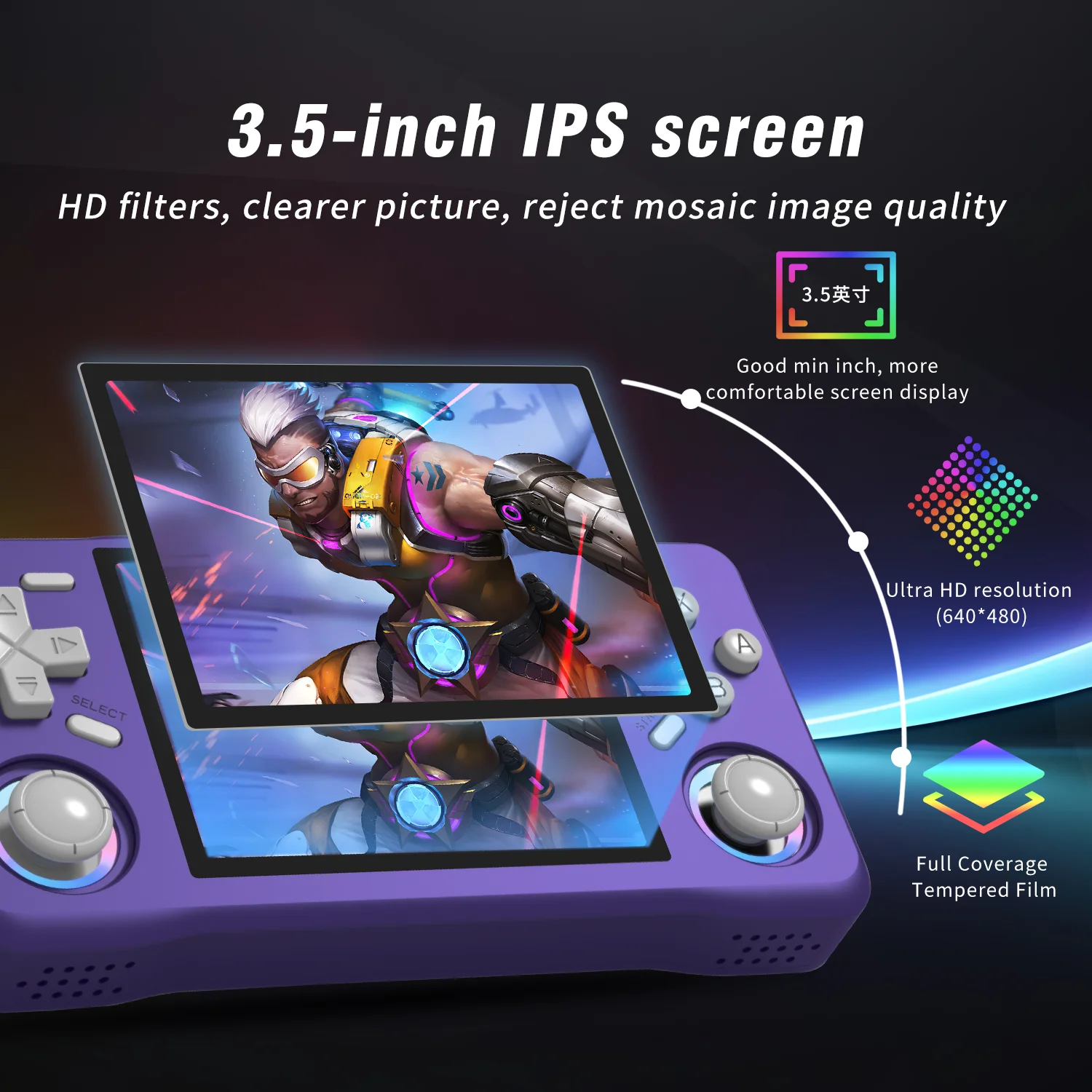
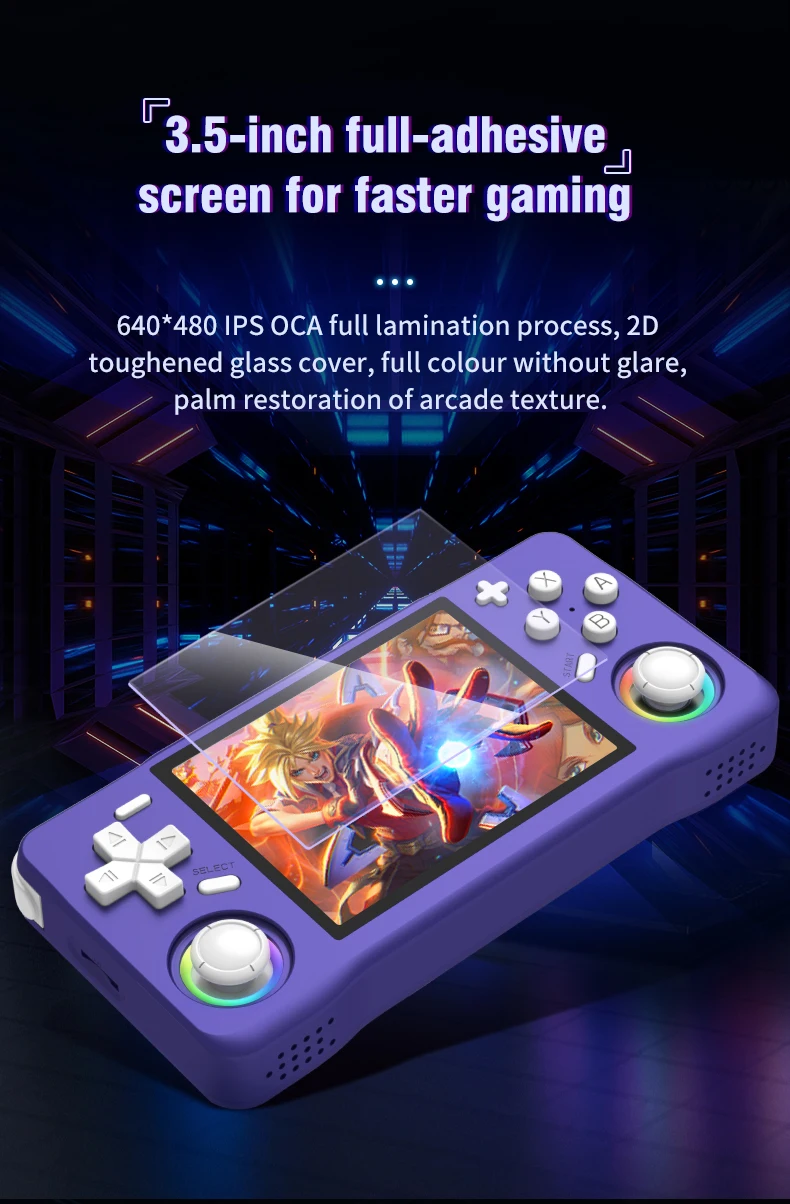
Experience clear visuals with a 3.5" IPS screen offering a resolution of 640x480, perfect for gaming on the go.
Linux System
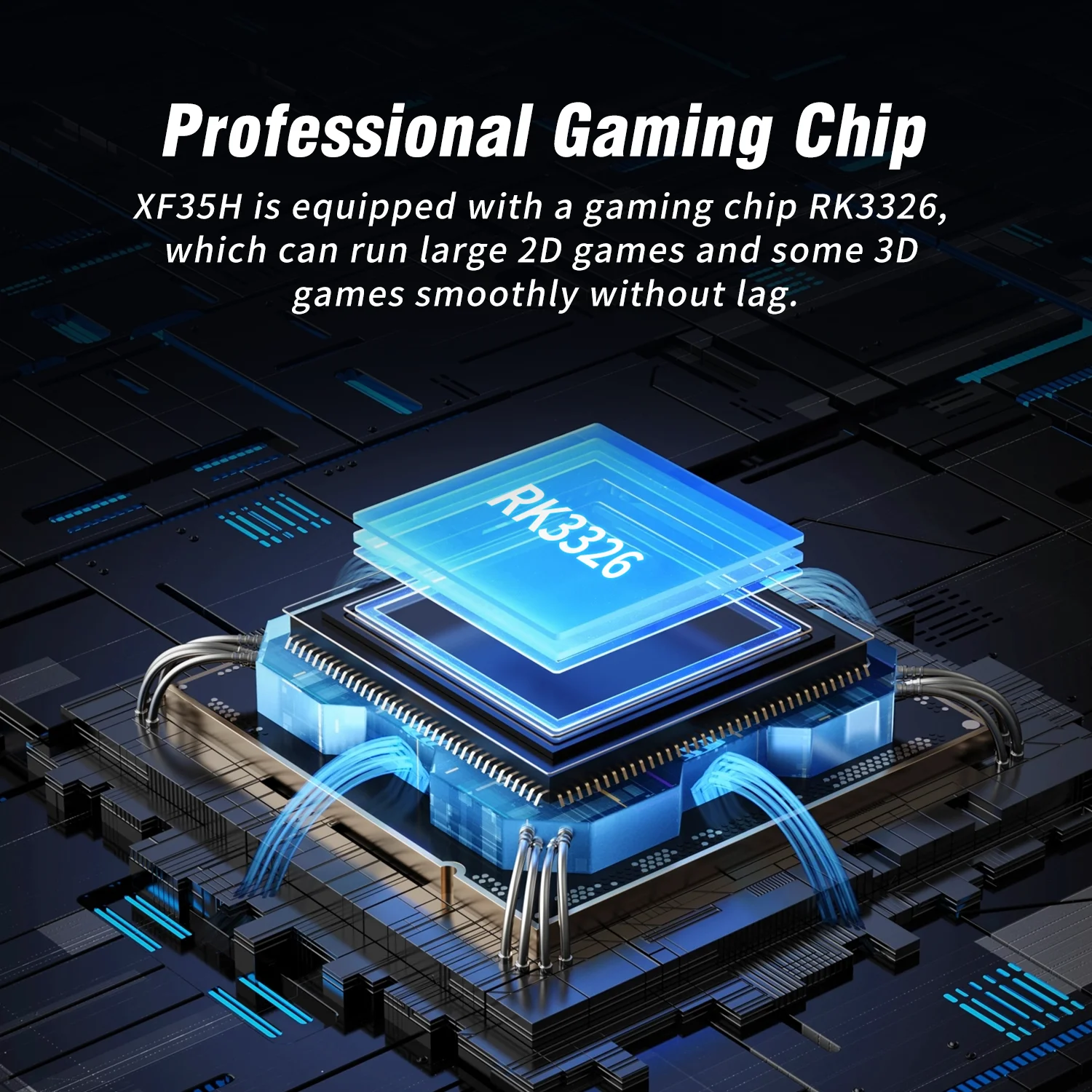
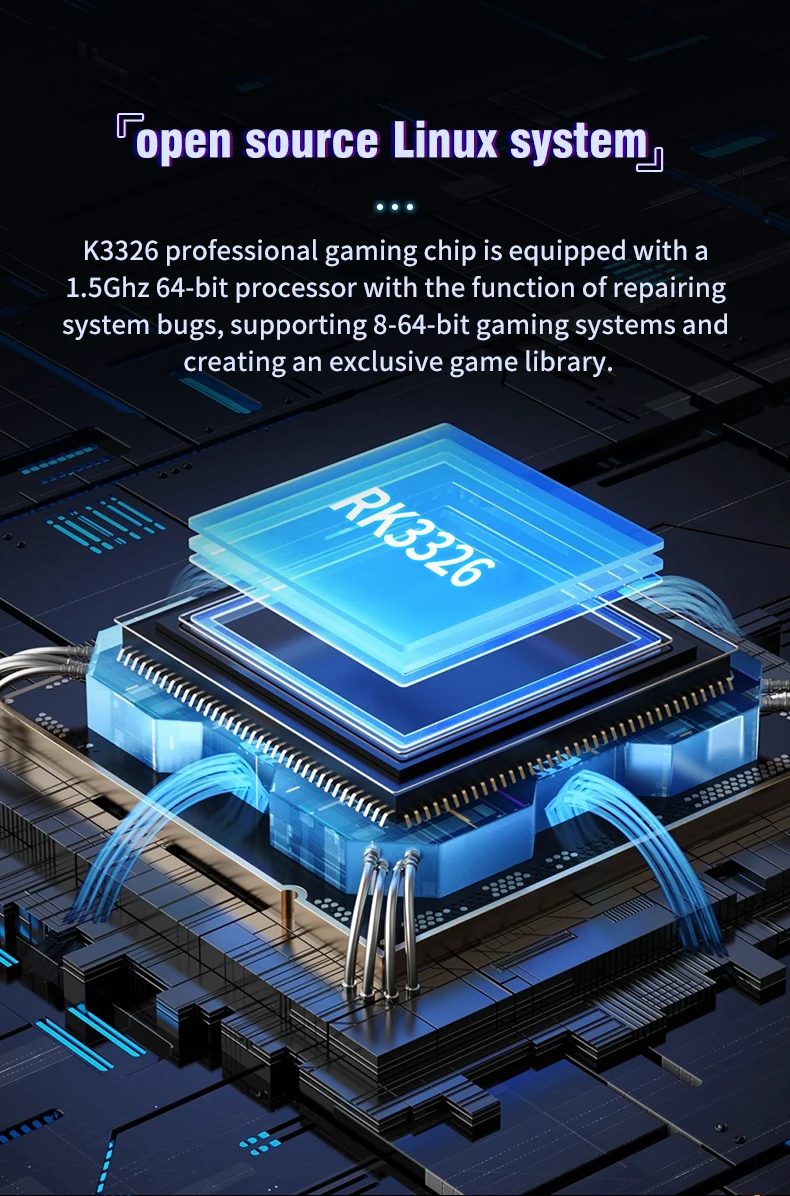
Equipped with a Linux system, this handheld offers a unique gaming experience with a wide range of compatibility.
Portable Design
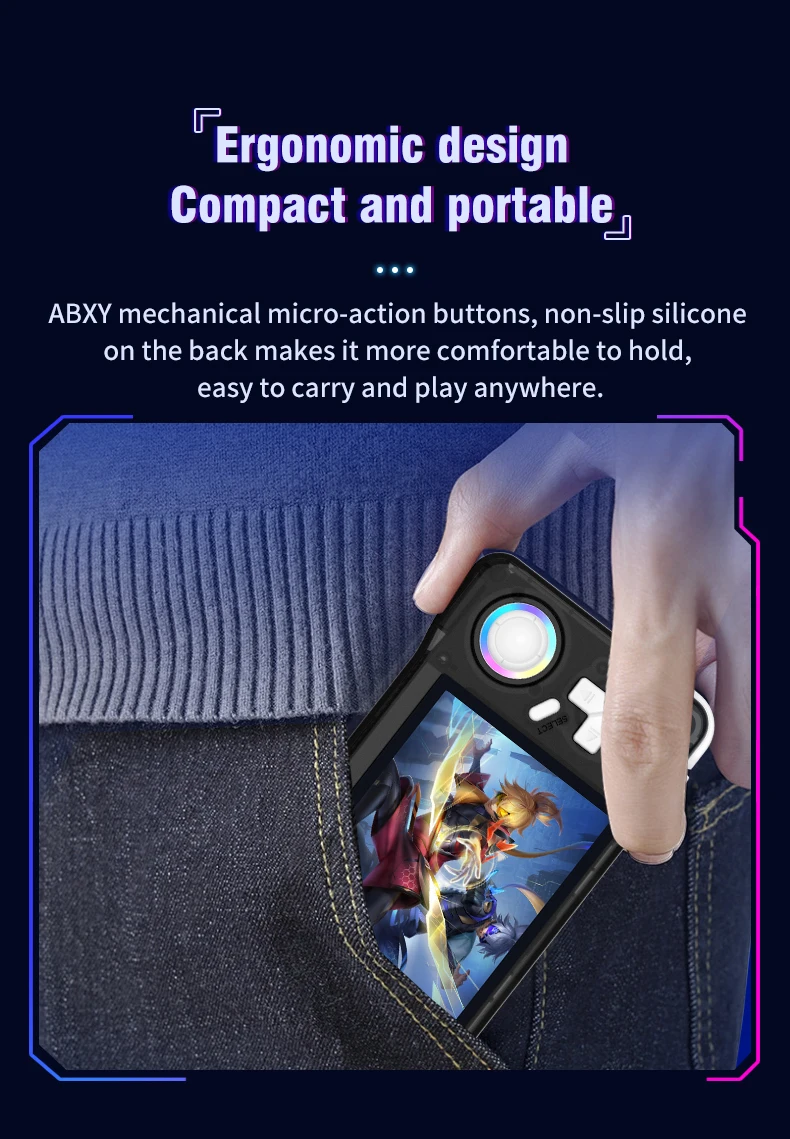
This pocket-sized player is designed for convenience, making it an ideal companion for travel or leisure.
A nanny-style tutorial:
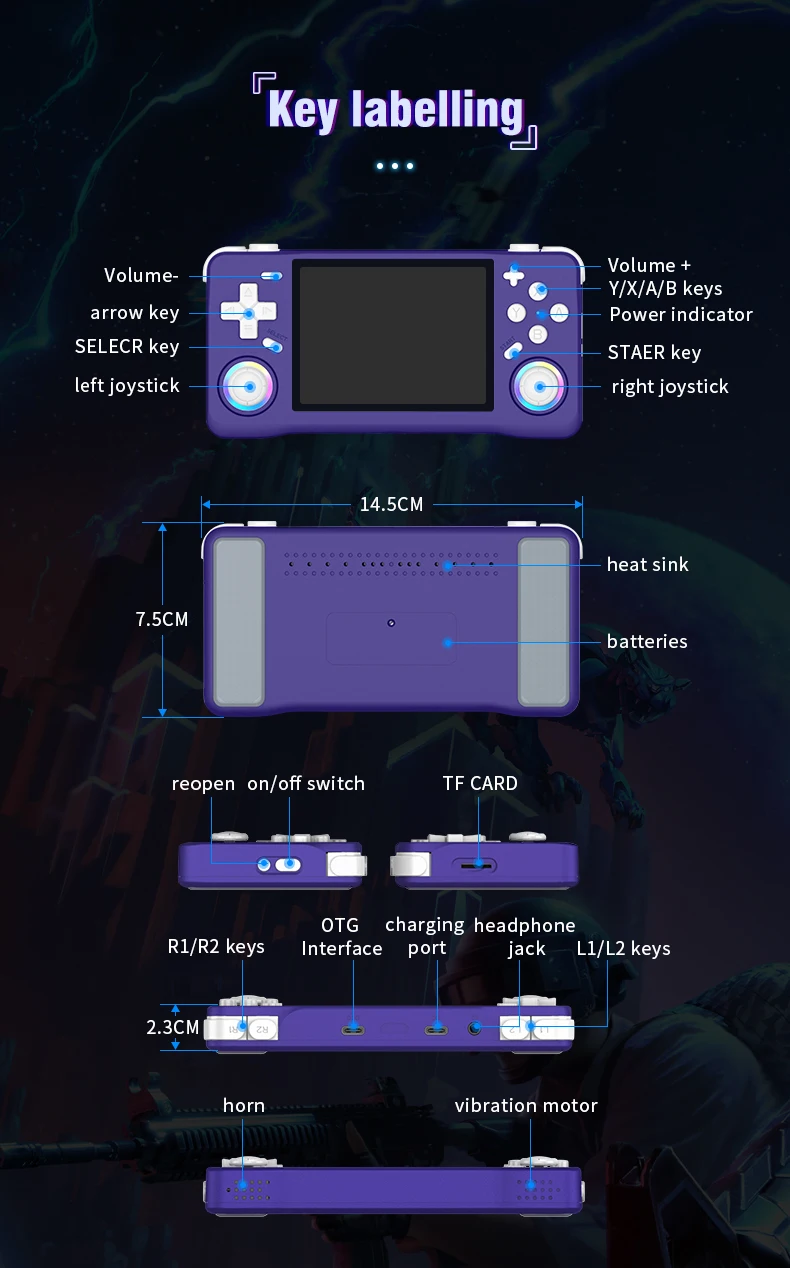
Three power on and off instructions
Power on: Press and hold the power button for 5 seconds, wait patiently for about 25 seconds, and enter the operation interface.
Power off: Press and hold the power button for 7 seconds to display the power off menu. Press the A button by default to power off.
Note: Please exit the game before shutting down, and do not press any keys when the system starts up.
Charging instructions
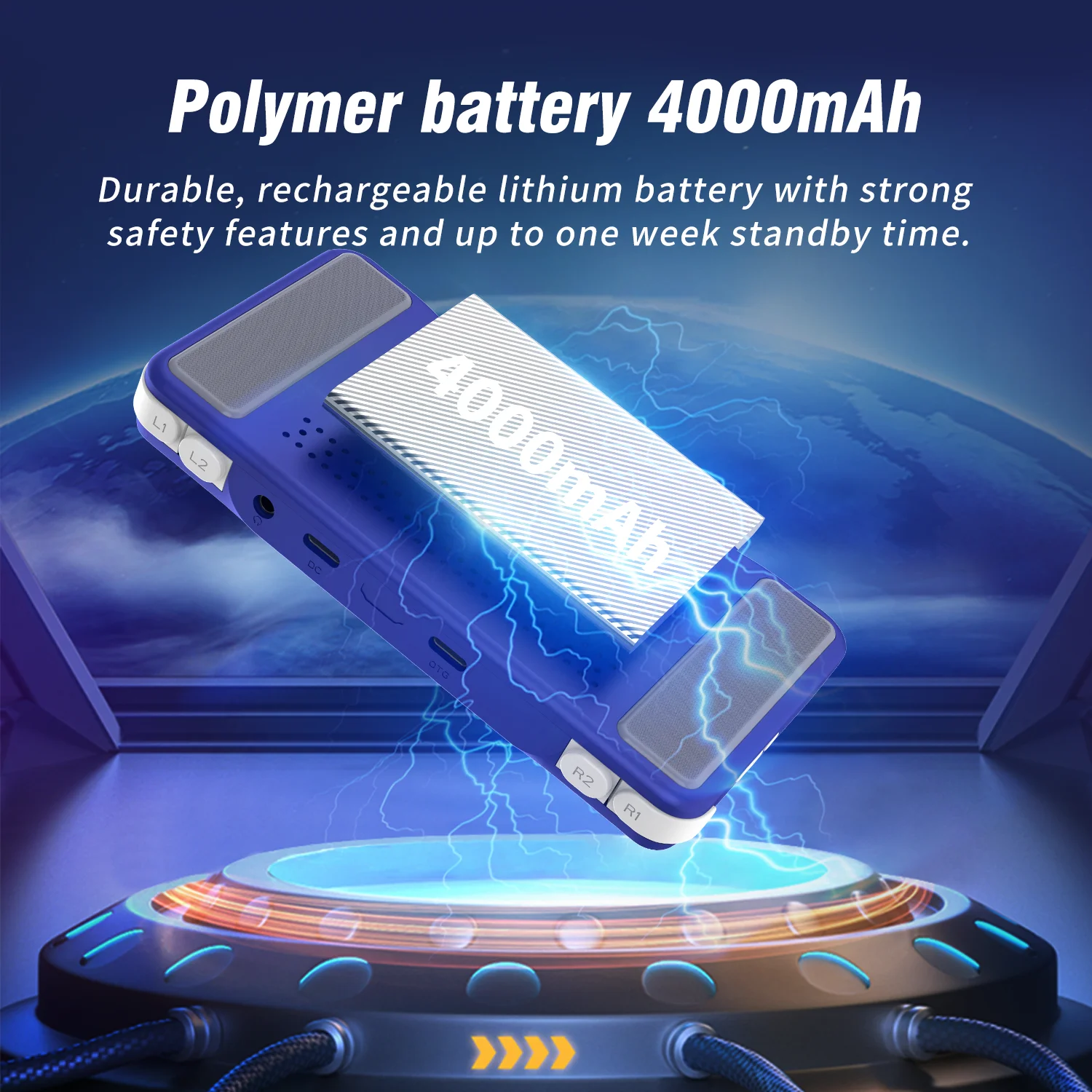
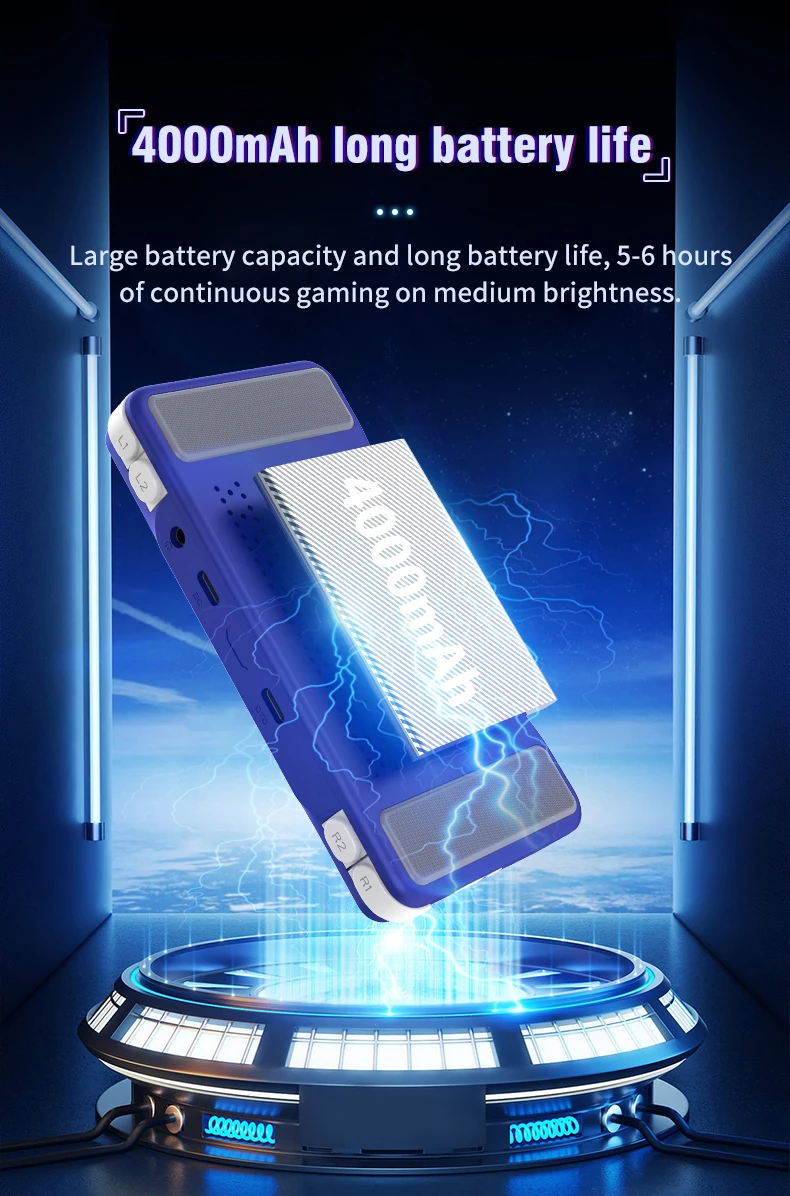
When the red light on the main unit illuminates, please charge it promptly by connecting the charging cable to the DC port. The red light will automatically turn off when fully charged.
Note: Do not press the restart button while charging; the charger parameters must not exceed 5V2A.
Function shortcut key combination:
Three system bug fixes: L1+L2+R1+R2+ (SELECT*3)
Game shortcut key combinations (except PSP and NDS):
Three ways to save your game progress: SELECT + R1
Load saved game progress: SELECT +L1
Exit game: (SELECT+START) *2
Display FPS: SELECT+B
Three pause or cancel the game: SELECT+A
RA Menu: SELECT+X
To enable or disable game acceleration: SELEC+R2
Three game screenshots: SELECT+Y
PSP game button description:
PSP Menu: SELECT+B
PSP game saving steps: Press SELECT + B to enter the PSP menu, then select 1. Settings 2. System →
3.Auto loadsavestate
4. Slot 15. Back 6. Save state (save successful) → 7. Exit to menu (exit menu) → 8. Exit (exit)
-NDS Game Button Instructions:
Press R2: Switch between landscape and portrait screen display;
Press L2: Toggle full-screen mode;
Press the right joystick: Simulate pen mark click:
Press the left joystick: Enter the game's background menu.
How to unlock the three-child mode?
Press the START button three times, select UNLOCK USER INTERFACE MODE, press A, and then press AAABA in sequence to unlock.
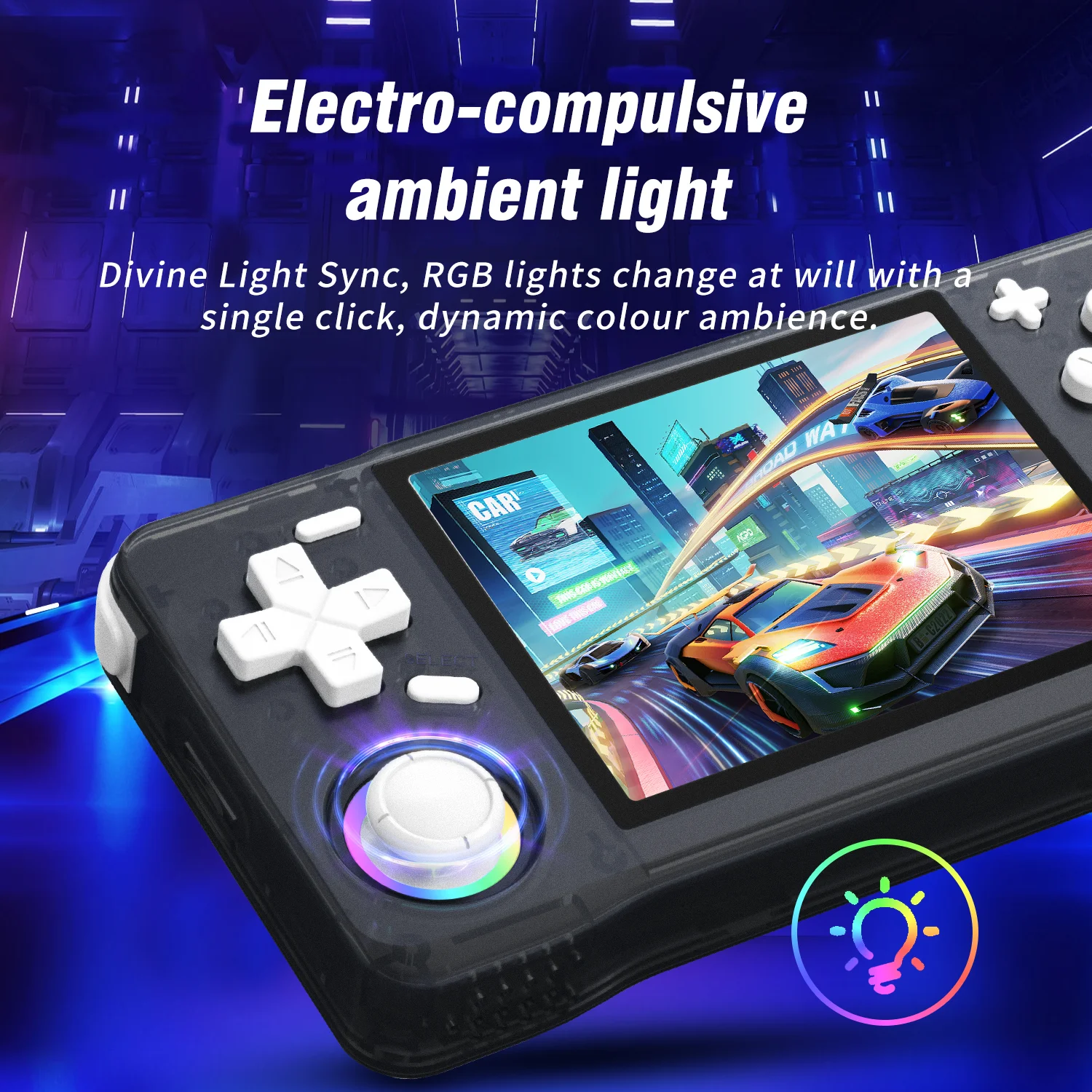
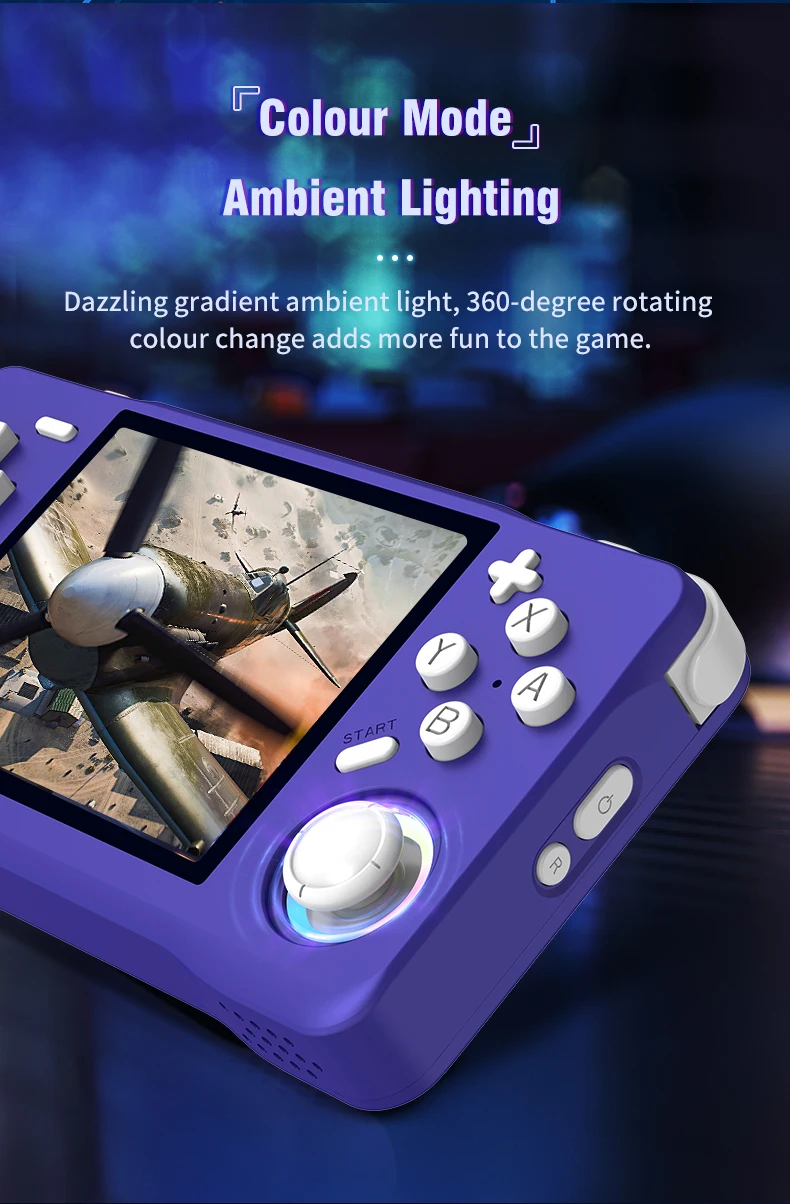
Joystick light settings:
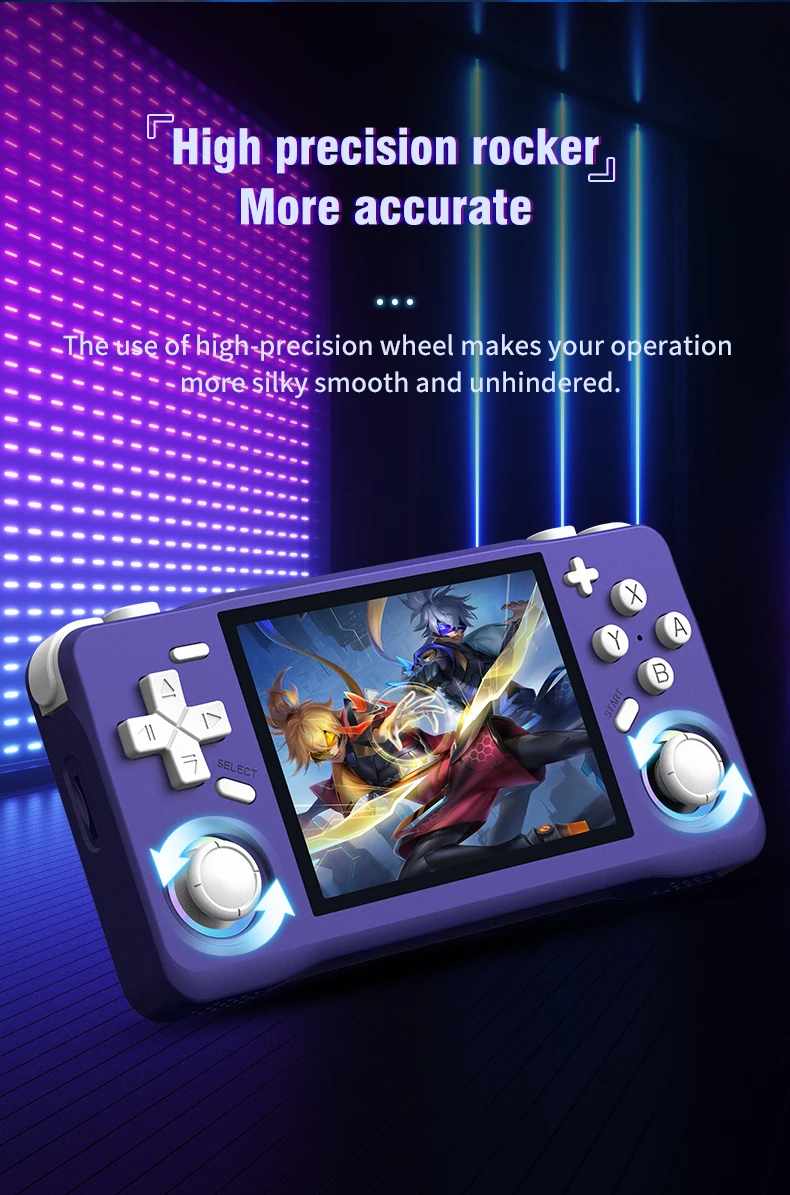
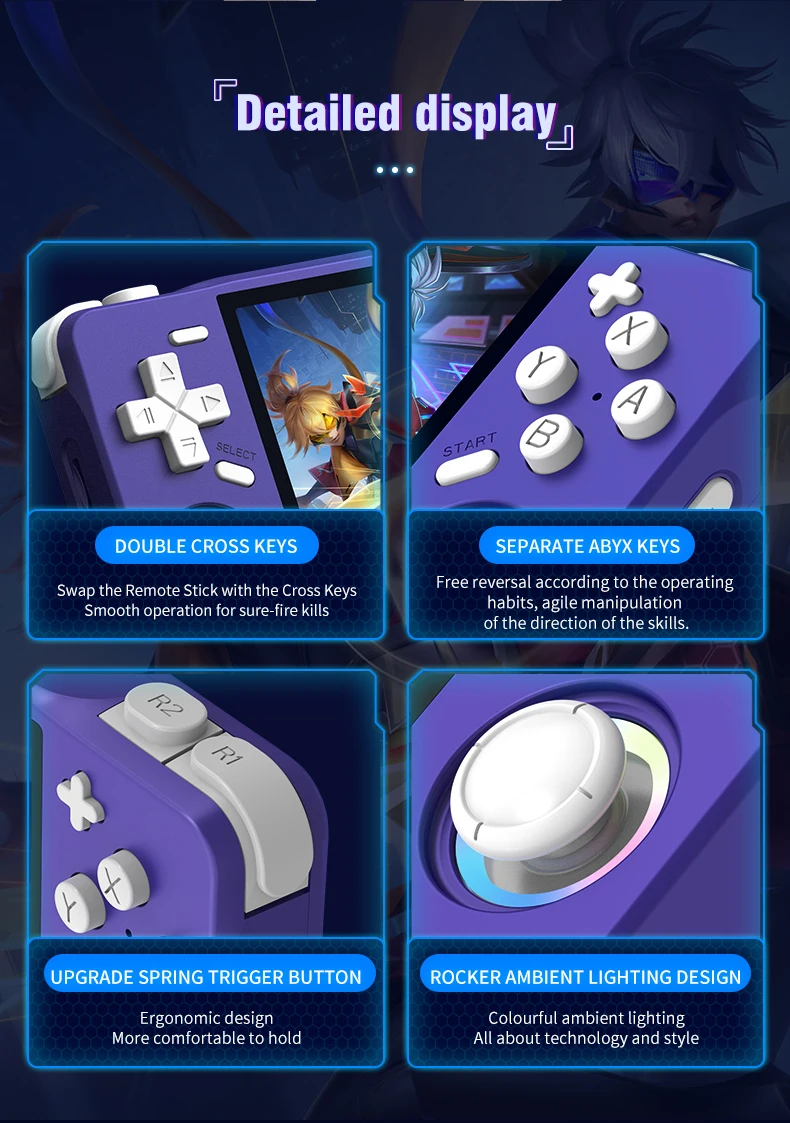
Press the "START" button to enter the menu, and press the button at "LEDS SETTINGS" to enter the option selection.
Videos
Videos for this product
