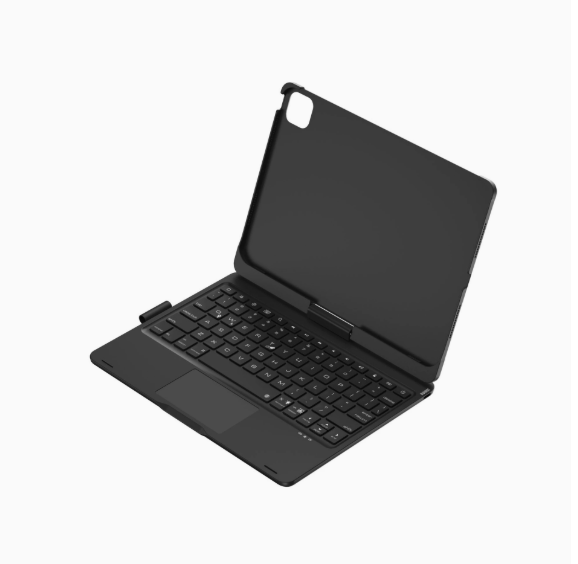

Full View
Similar items
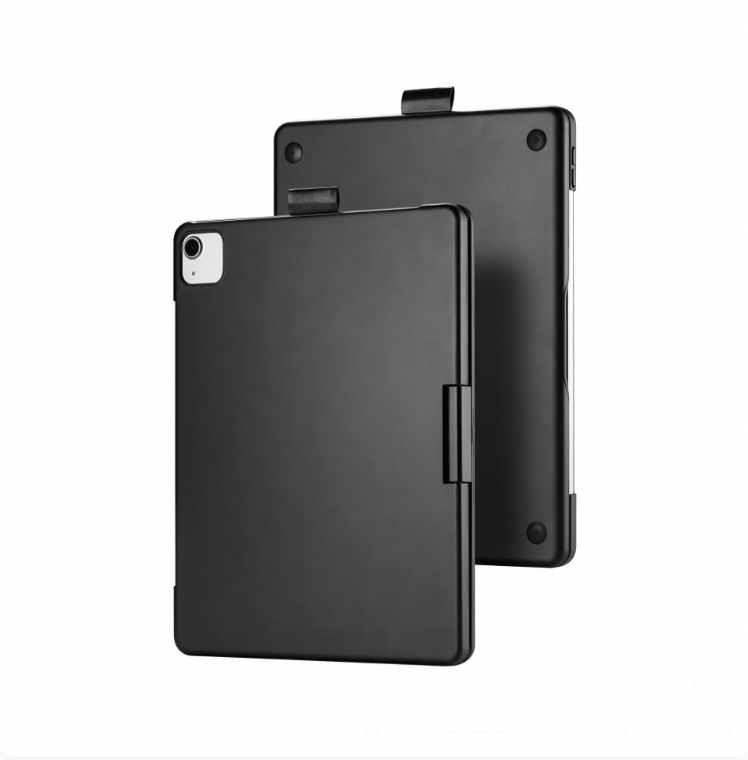
rotating Is Suitable For Air 13inch Protective Case, Ipad 11th Generation Backlit Mini7 Magic Keyboard
£59.82
Color : 1)Ipad 11th Generation A


Quantity :

Report
Include copyright infringementFree Standard Shipping. See details
Estimated between Wed, Jul 15 and Sun, Jul 19
You can return the product within 30 days of receipt. See details
Shop with confidence

Money Back Guarantee
Get the item you ordered or your money back. Learn more
About this item
Sourced from NeoGadget
Seller assumes all responsibility for this listing.Item number: 39456566
Item specifics
Condition
New
Item description from the seller
Product Specifications
1. Operating distance: 10m
2. Modulation system: GFSK
3. Operating Voltage: 3.3~4.2V
4. Charging current: 250mA
5. Standby time: 60 days
6. Continuous working time
5 hours (backlight on)/300 hours (backlight off/touch off)
7. Lithium battery capacity: 500mAh
8. Charging time: 3 hours
9. Keyboard lifespan: 5million times 10. Operating temperature: -20~50℃11. Charging temperature: 0~45℃
Packing Information
A: iPad 10.9/ 11inch
1. Single item weight including packaging: 866g
2. Packaging dimensions: 28.5X20.7X2.8cm
3. Box dimensions: 61.5X29.5X22cm 20 pieces per box
4. Gross weight: 19.12kg
B: iPad 7/8/9 generation 10.2inch
1. Single item weight including packaging: 817g
2. Packaging dimensions: 28.5X20.7X2.8cm
3. Box dimensions: 61.5X29.5X22cm 20 pieces per box
4. Gross weight: 19.12kg
C: iPad 13inch
1. Single item weight including packaging: 1445g
2. Packaging dimensions: 32X25.5X3cm
3. Box dimensions: 49.4X33.5X27.2 15 pieces per box
4. Gross weight: 12.7kg
D: iPad mini6/7 8.3inch
1. Single item weight including packaging: 568g
2. Packaging dimensions: 23.7X17.7X2.8cm
3. Box dimensions: 53X26X34 30 pieces/box
4. Gross weight: 18kg
[Bluetooth Connection Steps]
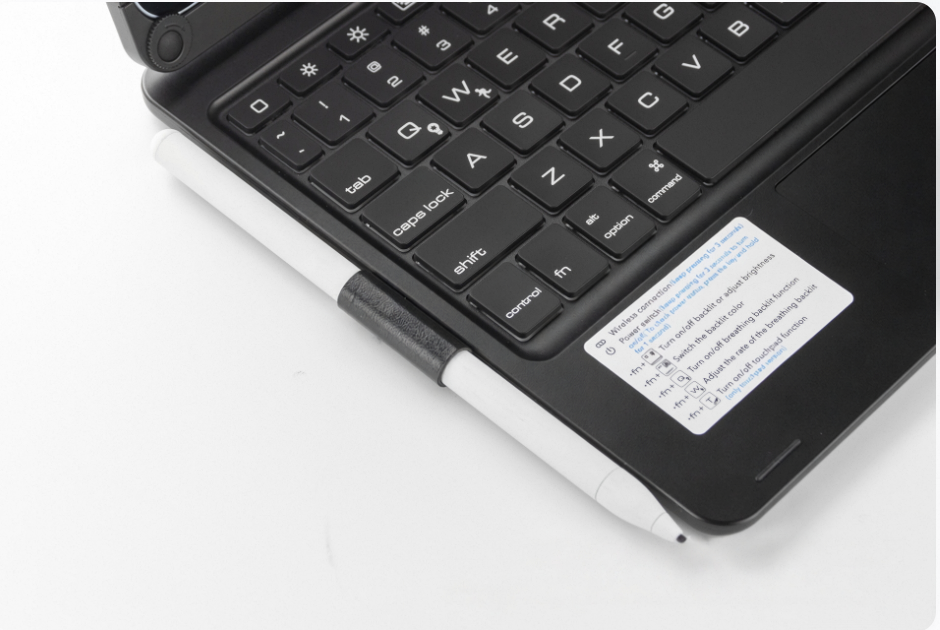
1.Press and hold the power button to turn on the power switch, then press the Fn and C keys to search for Bluetooth (Note: Do not plug in the charging cable when searching for Bluetooth, as it is difficult to connect to Bluetooth while charging)
2.Open the tablet, go to Settings, turn on Bluetooth and add devices, then click on the Add Device tab.Search for nearby devices - [Search for Bluetooth keyboards with a keyboard icon] and click connect.
3.The tablet screen displays a message [Bluetooth pairing request, click on Bluetooth keyboard], you can complete the Bluetooth connection


Videos
Videos for this product