


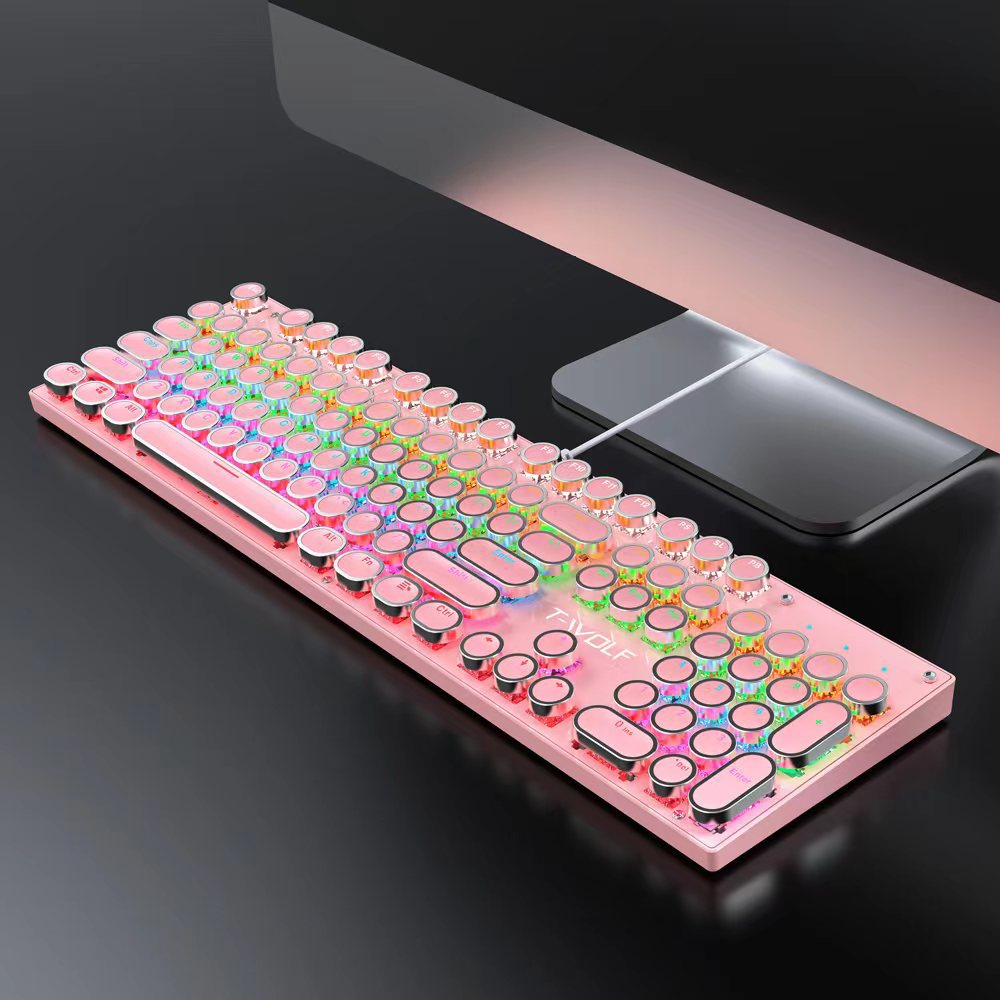



Full View
Similar items
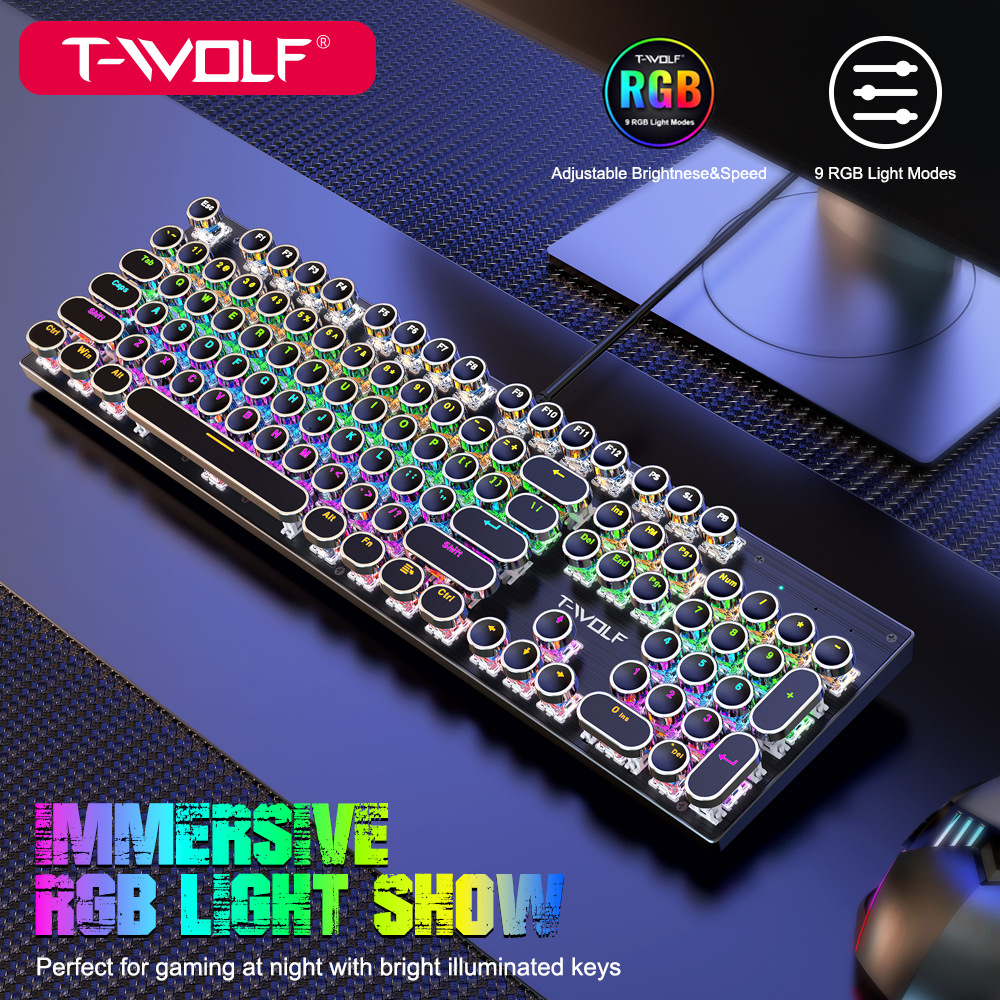
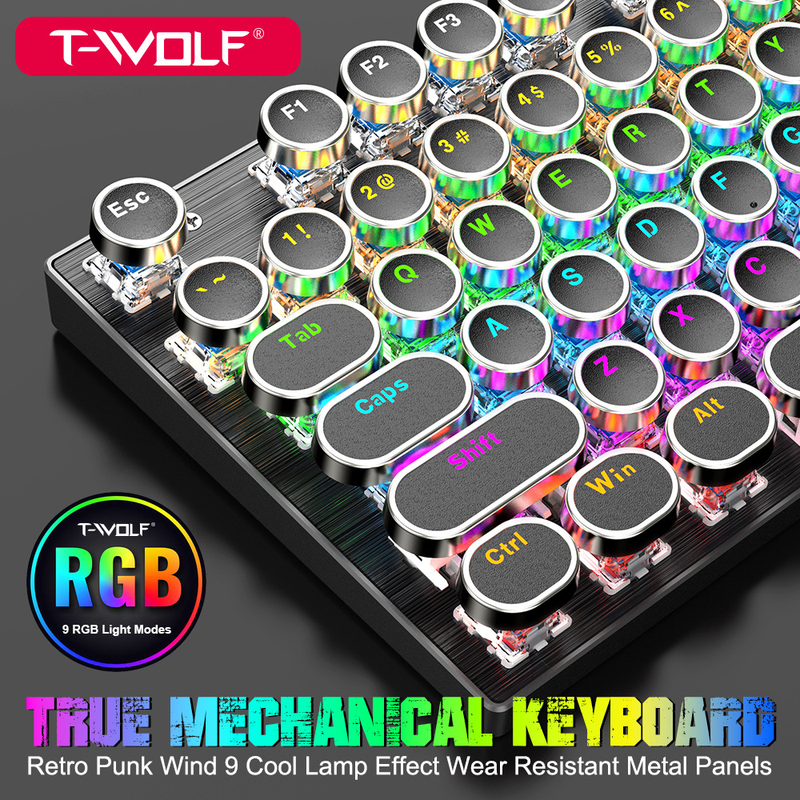
Thunderwolf T75 real mechanical wired computer luminous esports game punk round keyboard
£63.48£157.79
colour : T75 mechanical keyboard black


Quantity :
 Customer Service
Report
Include copyright infringementFree Standard Shipping. See details
Estimated between Sat, Apr 25 and Thu, Apr 30
You can return the product within 30 days of receipt. See details
Shop with confidence

Money Back Guarantee
Get the item you ordered or your money back. Learn more
About this item
Sourced from ASdigital product
Seller assumes all responsibility for this listing.Item number: 19938740
Item specifics
Features
Mirror, Matte, Skin-Like
Features
Mirror, Matte, Skin-Like
Features
Mirror, Matte, Skin-Like
Axis
Red Axis, Green Axis, Black Axis
Axis
Red Axis, Green Axis, Black Axis
Axis
Red Axis, Green Axis, Black Axis
Numeric Keypad
Yes, No
Numeric Keypad
Yes, No
Connection
Wireless, Wired, Bluetooth
Connection
Wireless, Wired, Bluetooth
Connection
Wireless, Wired, Bluetooth
Size
<100Mm, 100Mm-120Mm, 121Mm-130Mm
Size
<100Mm, 100Mm-120Mm, 121Mm-130Mm
Size
<100Mm, 100Mm-120Mm, 121Mm-130Mm
Item description from the seller
13 years of production, self created brand Lelang T-WOLF
As long as there is a quantity available, we can discuss in detail the size and quantity of the batch to contact Wangwang customers,
OEM can modify the packaging and outer box according to customer requirements
13 year production plant, SELF-CREATED BRAND T-WOLF T-WOLF large stock As long as there is volume, the price can be detailed chat large and small volume orders contact customers in Want Want, support OEM customization, can be changed to customers, packaging, outbound
T75:
Keyboard size: 435 * 125 * 33mm, bare metal weight: 695G
Packaging size: 470 * 170 * 50mm, including package weight: 856G
One box quantity: 10PCS Outer box size: 480 * 273 * 363mm One box weight: 9.1KG
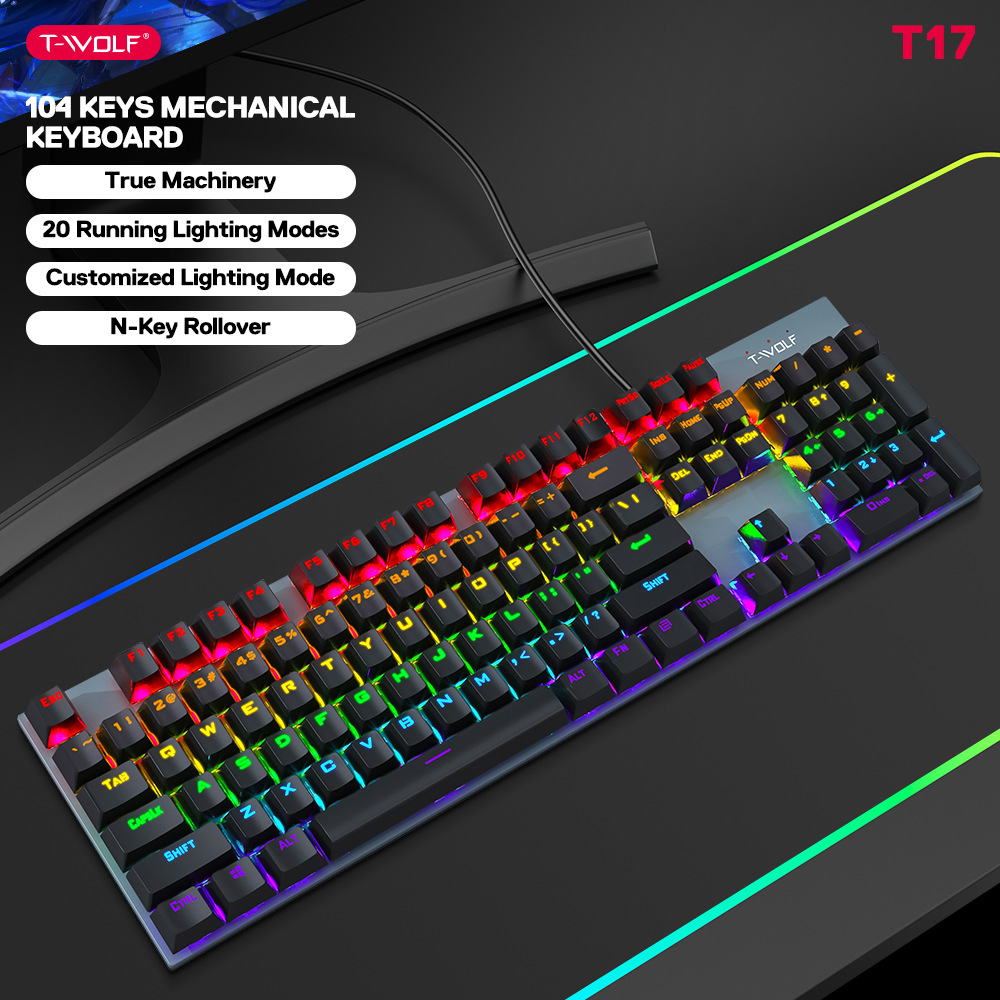
T17:
Keyboard size: 425 * 120 * 35mm, bare metal weight: 650G
Packaging size: 450 * 150 * 42mm, including package weight: 784G
One box quantity: 20PCS Outer box size: 455 * 415 * 310mm One box weight: 16.5KG
T75 mechanical keyboard parameters:
MCU hardware specifications:
The mechanical keyboard adopts a high-performance Flash microcontroller, with USB 2.0 (full speed 12Mbps) transmission mode, control, interrupt, and batch data transmission functions, fast response speed, and an overall 26 key impulse free design. Press the key Q A Z W S X E D R F V T G B M Tab Capslock Shift-L Ctrl-L Alt-L Space ↑↓←→ click together without conflict.
The MCU hardware parameters are as follows: n
High speed, pipelined microcontroller core
Power consumption control idle mode and sleep mode
Internal RAM data storage
16K * 8Bit FLASH program memory
Working voltage: VDD=3.3V -5.5V
Switching order of lighting special effects mode:
Press FN+INS to enter "breathing mode"
The overall backlight of the keyboard simulates breathing rhythm, achieving a curve change in backlight brightness from off to brightness.
Press again to enter "top to bottom horse running mode"
The keyboard backlight lights up sequentially from group to group six.
Press again to enter the "bottom-up running mode"
The keyboard backlight lights up sequentially from group six to group.
Press again to enter "diffusion mode"
Keyboard backlight from center to sides
Secondary lighting.
Press again to enter "adduction mode"
The keyboard backlight lights up sequentially from both sides to the center.
Press again to enter "Jump Grid Running Mode"
The keyboard backlight lights up in order of one, three, five, two, four, and six.
Press again to enter "single point lighting mode"
Press a key and the corresponding row of backlights will light up for 2 seconds.
Press again to enter "Flowing Light and Colorful Mode"
The brightness of the keyboard backlight flows and changes from top to bottom, like the sparkling water constantly surging.
Press again to enter "constant light mode"
The overall backlight of the keyboard is constantly on.
Definition of other key combination functions:
FN+F1=Player/CD
FN+F2=Volume -/Volume-
FN+F3=Volume+/Volume+
FN+F4=Mute/Mute
FN+F5=Stop/CD Stop
FN+F6=Previous/Prev Track
FN+F7=Play/Pause/Play/Pause
FN+F8=Next Track/Next Track
FN+F9=Email/Email
FN+F10=Home/IE
FN+F11=My Computer/Computer
FN+F12=Calculator/Calculator
FN+W=The directional keys can switch between W S A D and ↑↓←→.
FN+WIN
After pressing the FN+WIN key, it means that the WIN key has been locked and cannot be used. Pressing the FN+WIN key again will unlock the WIN key and it can be used normally. It can facilitate players to accidentally touch the WIN key and bounce back to the desktop while playing, causing trouble.
FN+Ins=Function mode switching (mode switching sequence, please refer to the previous instructions)
FN+↑/↓=Brightness adjustment (excluding breathing and flowing light)
FN+←/→=Fast or slow adjustment (excluding breathing and constant light)


Videos
Videos for this product


Related Searches
65% keyboardwireless keyboard and mouse combowired keyboard and mouselaptop keyboardwireless ergonomic keyboard and mouse combowireless mouse and keyboard comboclicky keyboardergonomic wireless keyboard and mouse combobluetooth mouse and keyboard comboanime mouse pads80% keyboardusb mousetkl keyboardwhite mouse padgaming mouse
 4.4 out of 5 based on 9,249 reviews